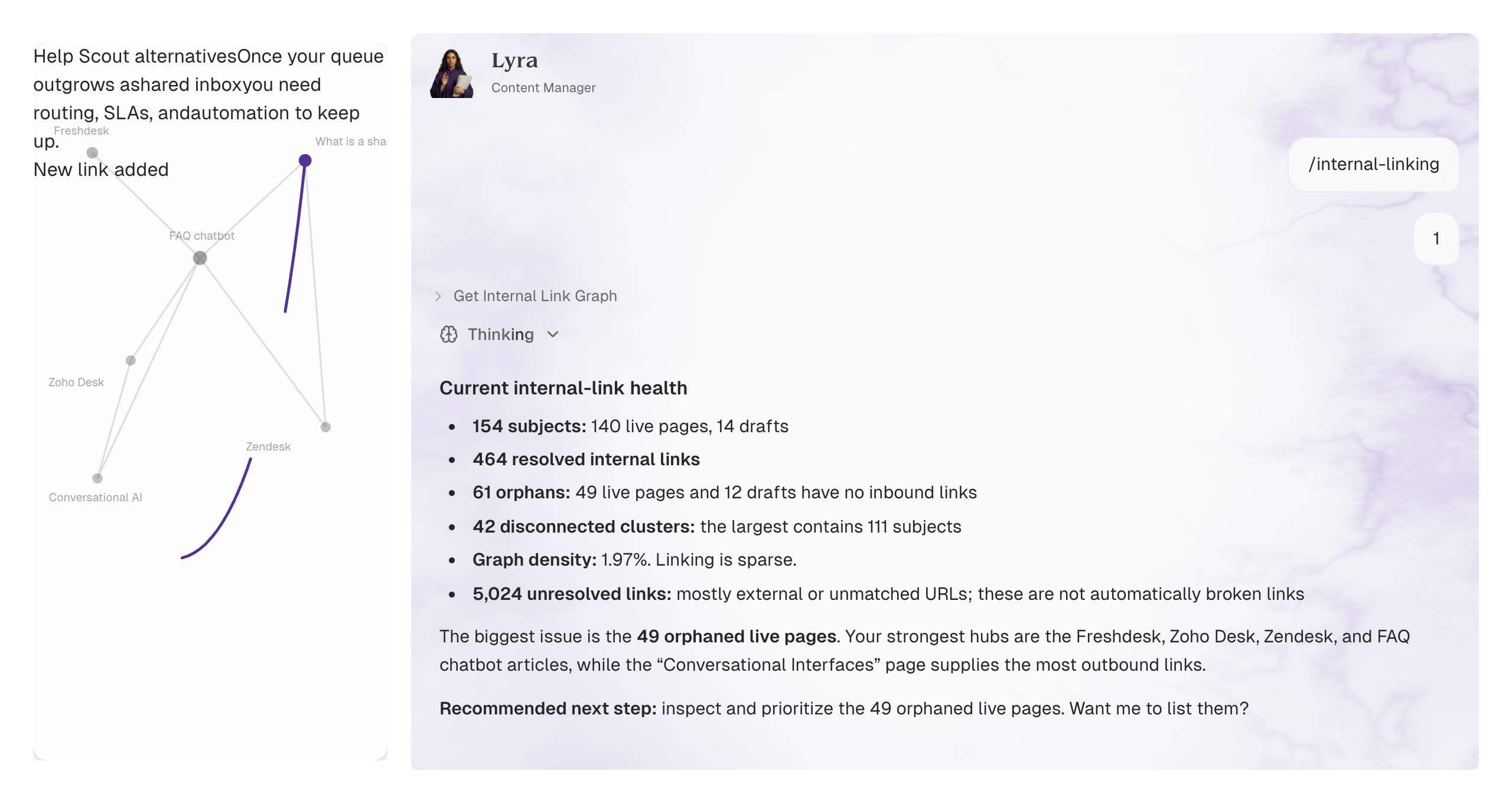
A monthly pass catches what publish-day missed
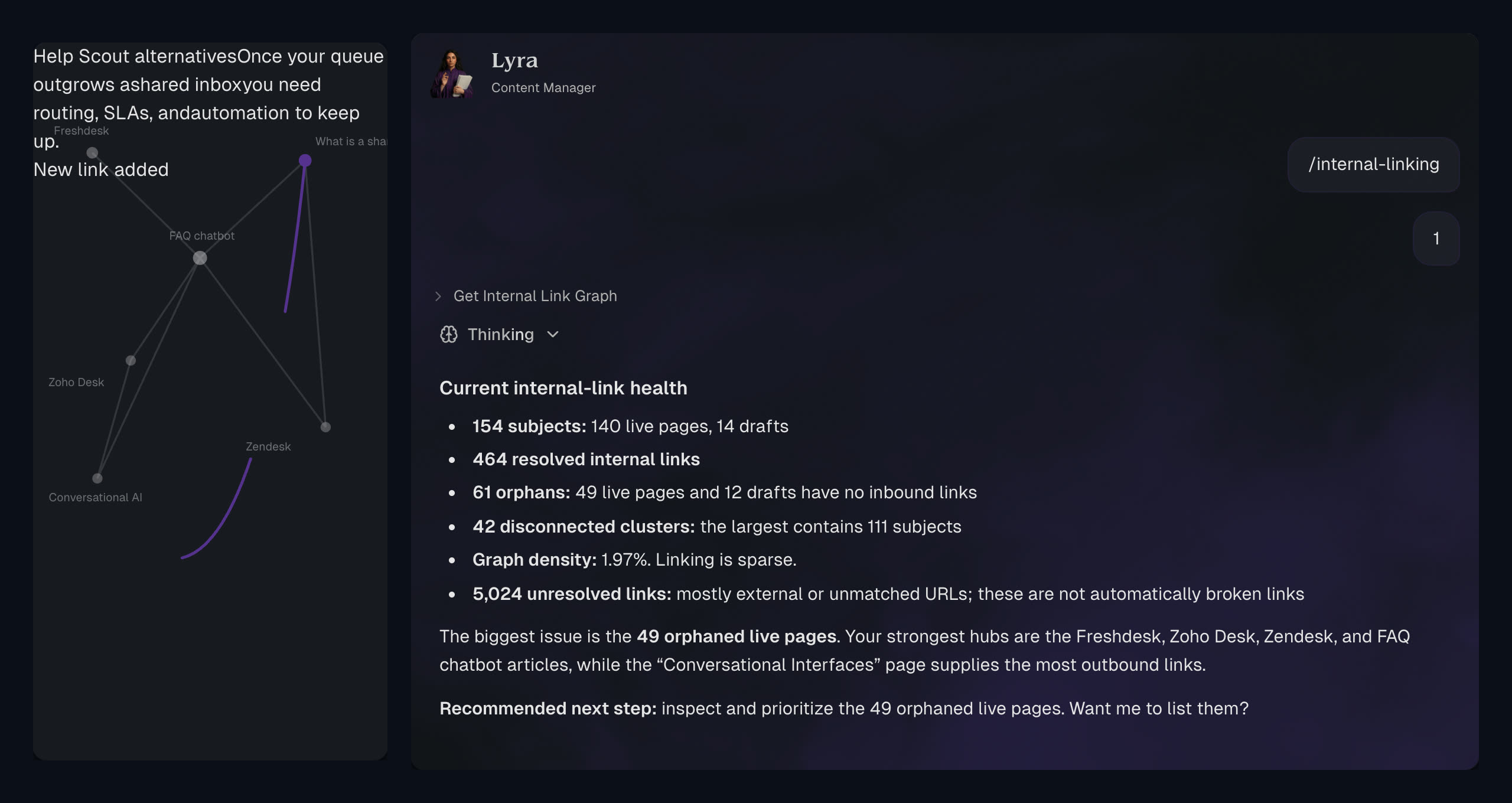
Lyra re-reads the live site, finds orphans, and proposes the next batch.
See content auditGrowing startups around the world











 Featurebase
 Every new link has to fit the rest of the site, not just the sentence it sits in.
Links go where they help most.
A few honest links can be the last push onto page one.
They already earn visits. More support would lift them further.
The pages that win customers, with almost nothing pointing at them.
Nothing on the site points here, so people and Google rarely find them.
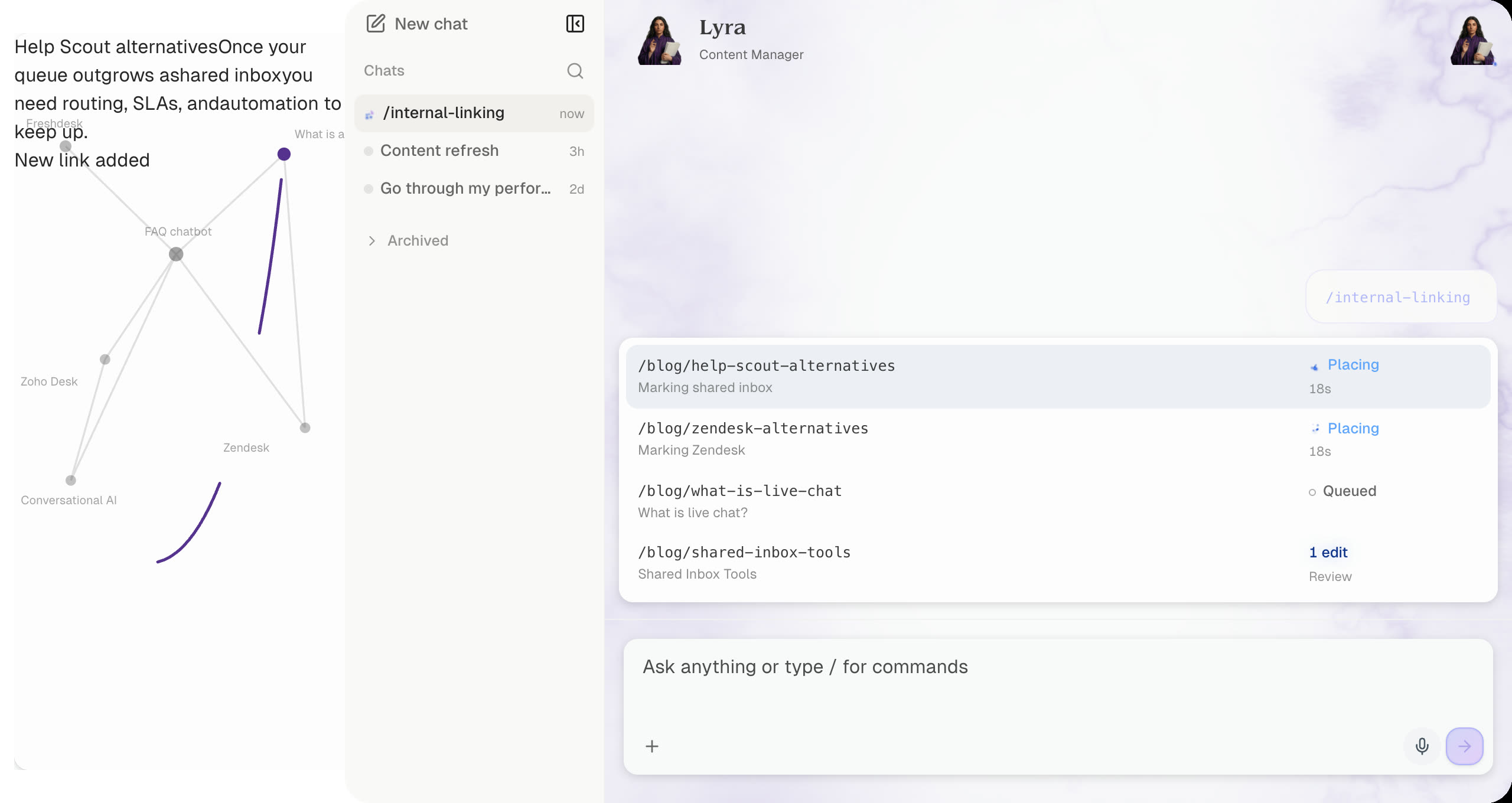
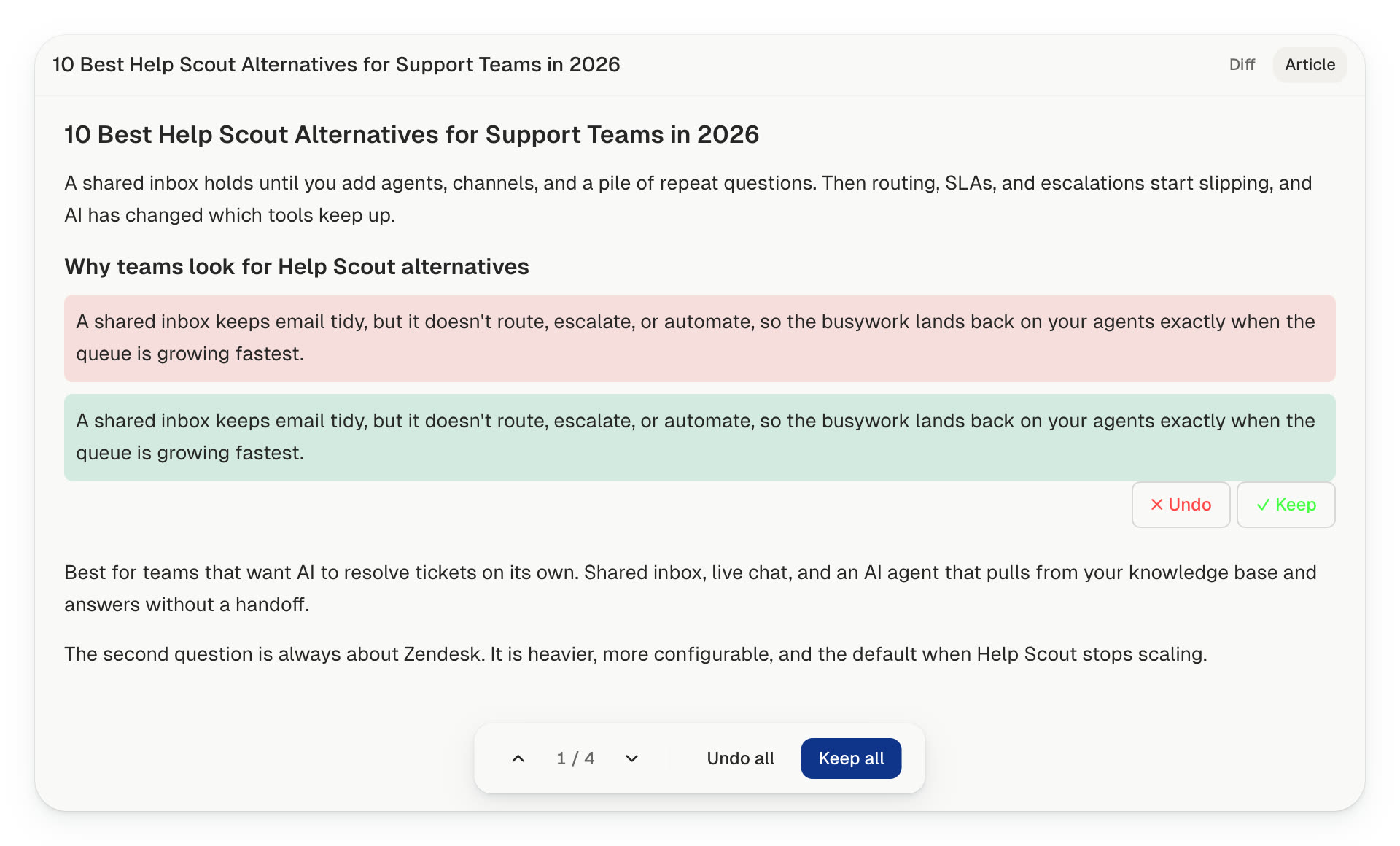
It picks the lightest change that still works, and often decides the right move is no link.
The reader cannot tell anything changed.
The meaning stays the same.
It adds something the reader can use.
A forced link is worse than no link.
Anchor wording changes from link to link, and the same phrase is not stuffed across the site.
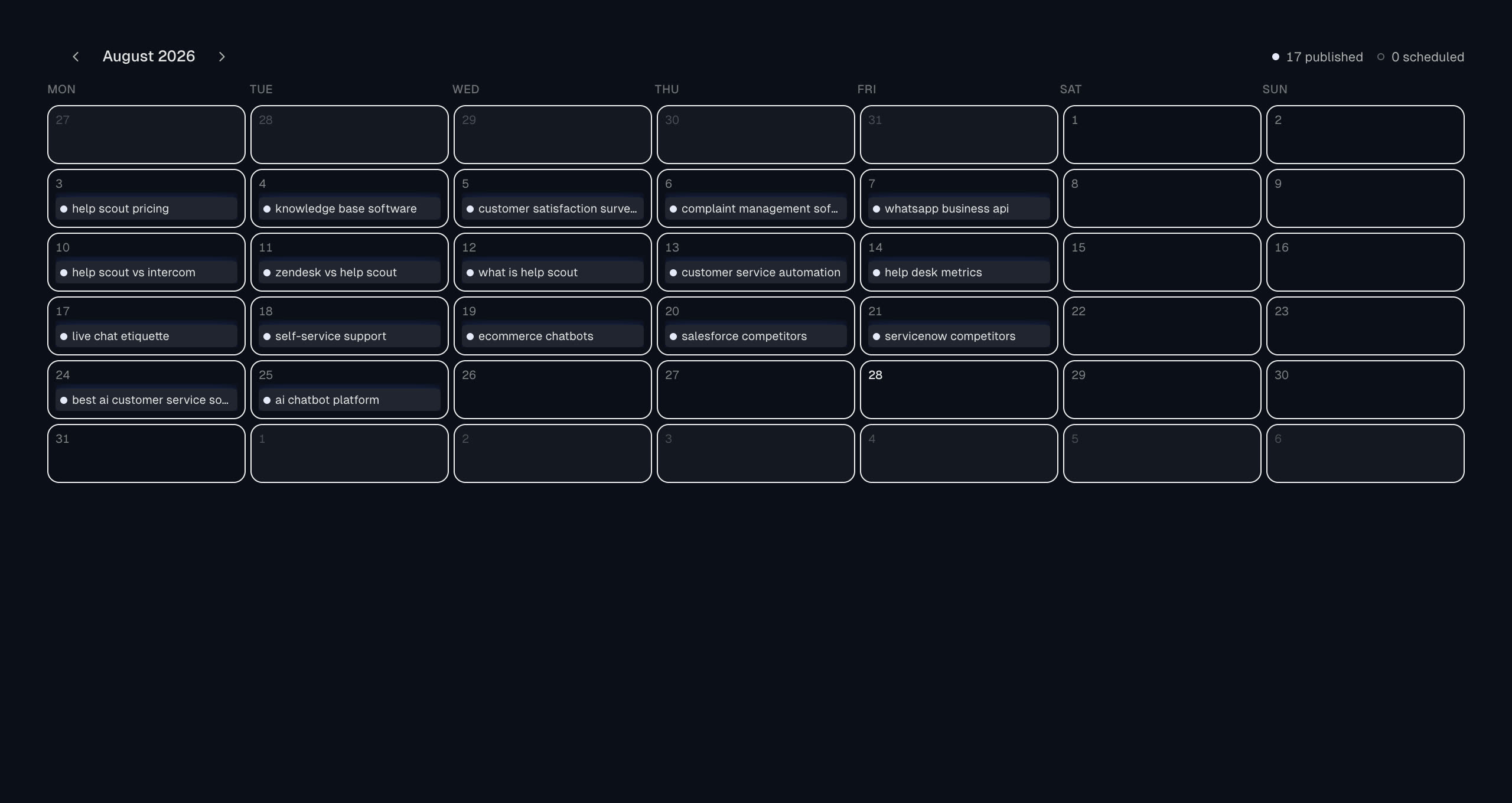
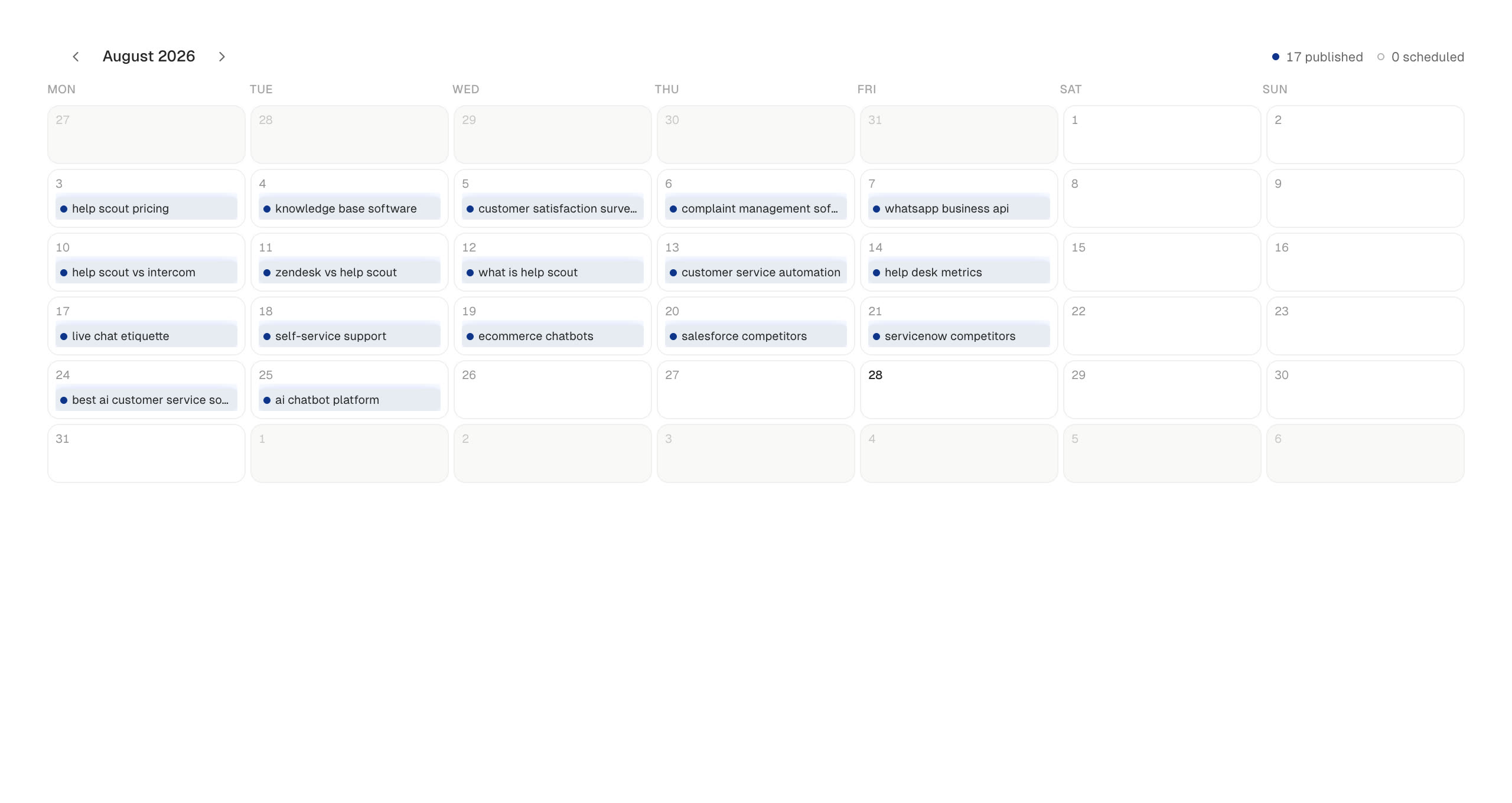
Older pages point to a new article the day it publishes. A monthly pass then catches anything that still sits alone.
The moment a new article goes live, older pages link to it.
See the writerPlan the calendar ahead, and links are added as each piece publishes.
See the content managerThe whole site is re-checked, and newly missing links are caught.
See content auditA link to an unpublished page waits in place, then goes live the day that page publishes.
Written while you draftWriting, knowledge, and the monthly audit all leave links behind. Each one is a page edit you can undo.
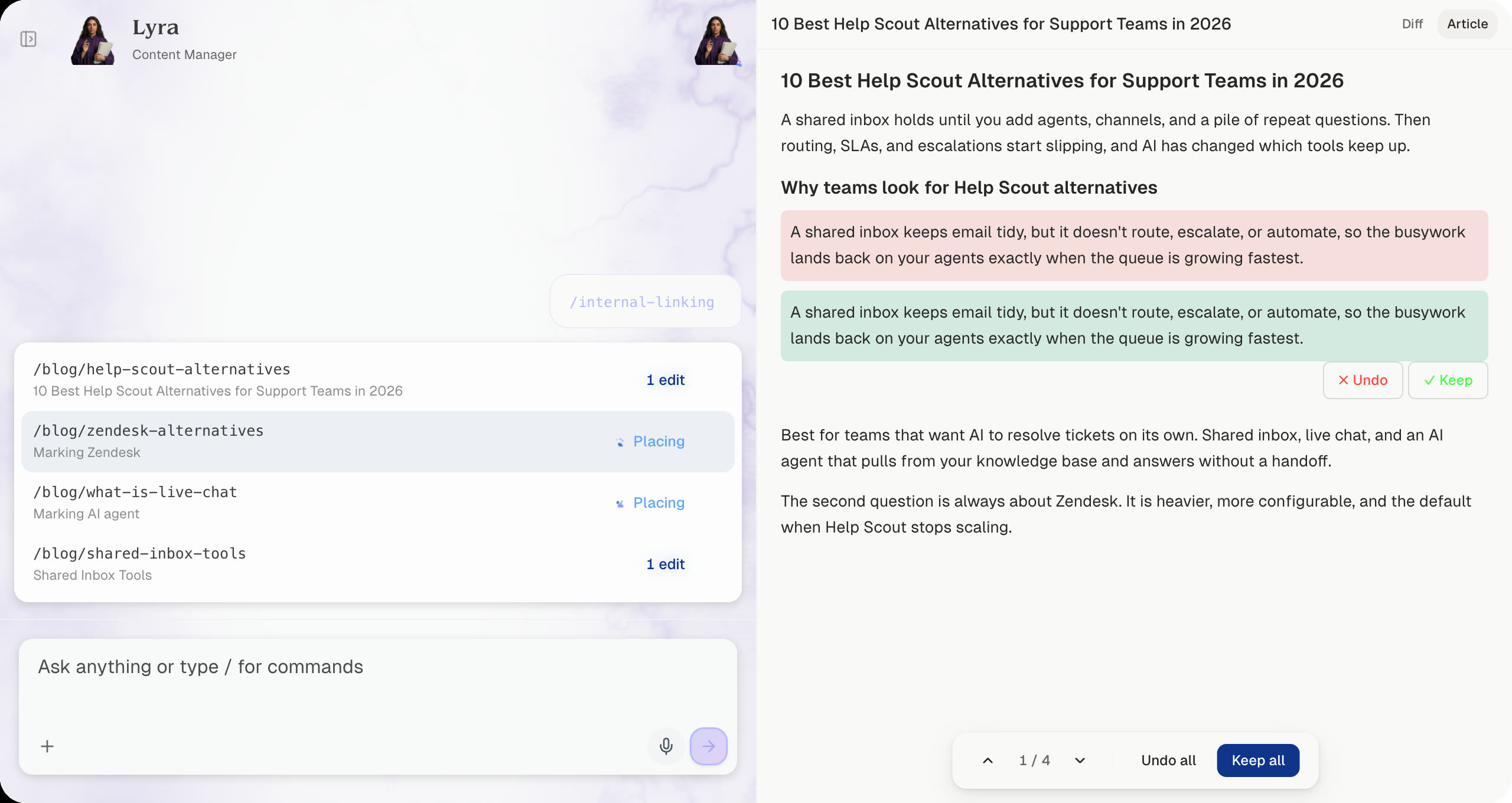
When Cedric publishes, older pages on the site point to the new one.
Pages, clusters, and facts stay in one place, so a new link has an honest destination.
Lyra re-reads the live site, finds orphans, and proposes the next batch.
Lyra re-reads the live site, finds orphans, and proposes the next batch.
See content auditPages, clusters, and facts stay in one place, so a new link has an honest destination.
See the knowledge baseWhen Cedric publishes, older pages on the site point to the new one.
See the writer See CMS integrations


You see the sentence before and after. A skipped link stays skipped.
See the content plan RankUp would run for your site.
Enter your domain to see if you qualify (SaaS and tech companies, English sites only!)