

Publishing is how the rest of RankUp reaches your site.
The writer fills the calendar.
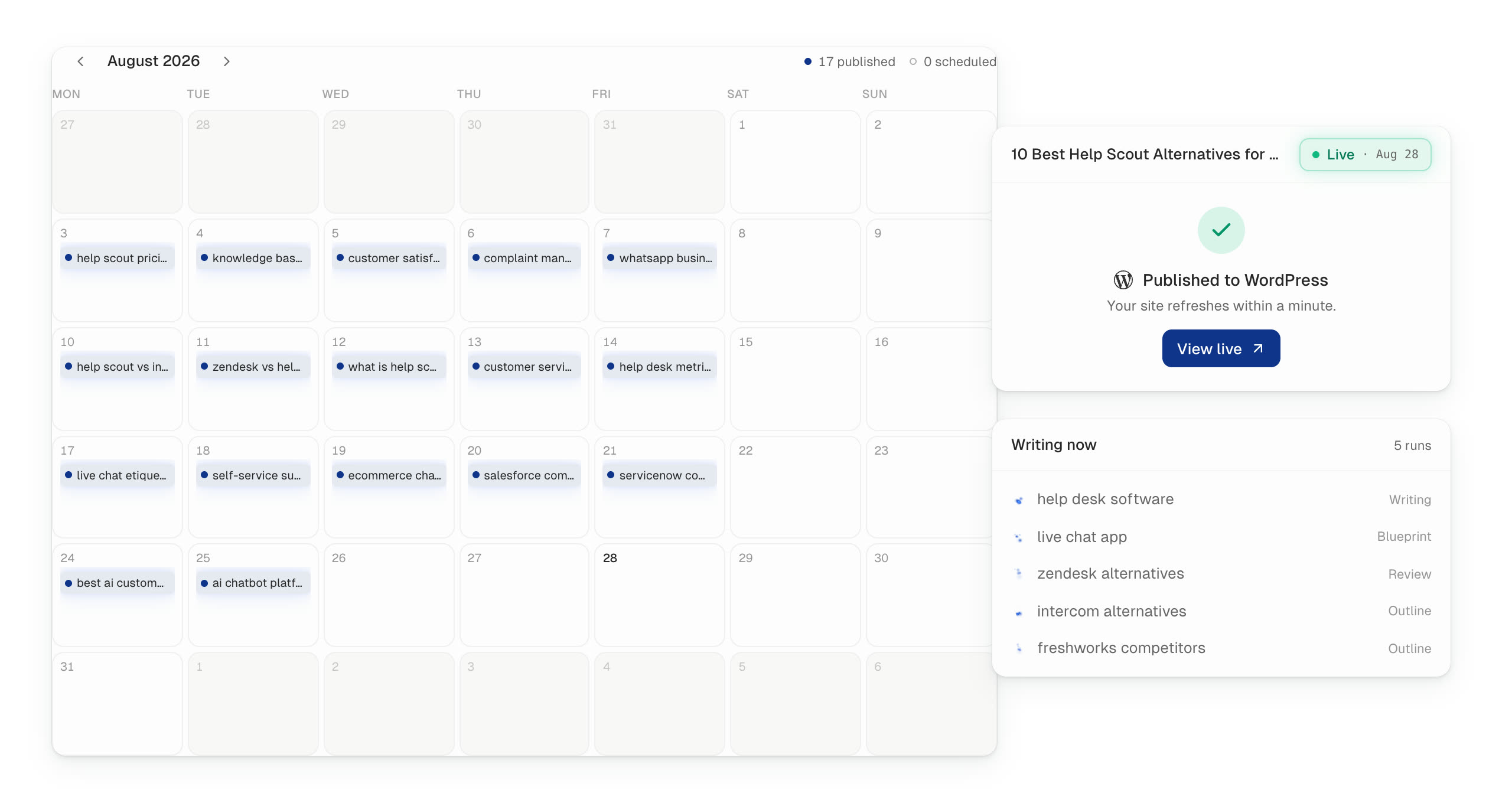
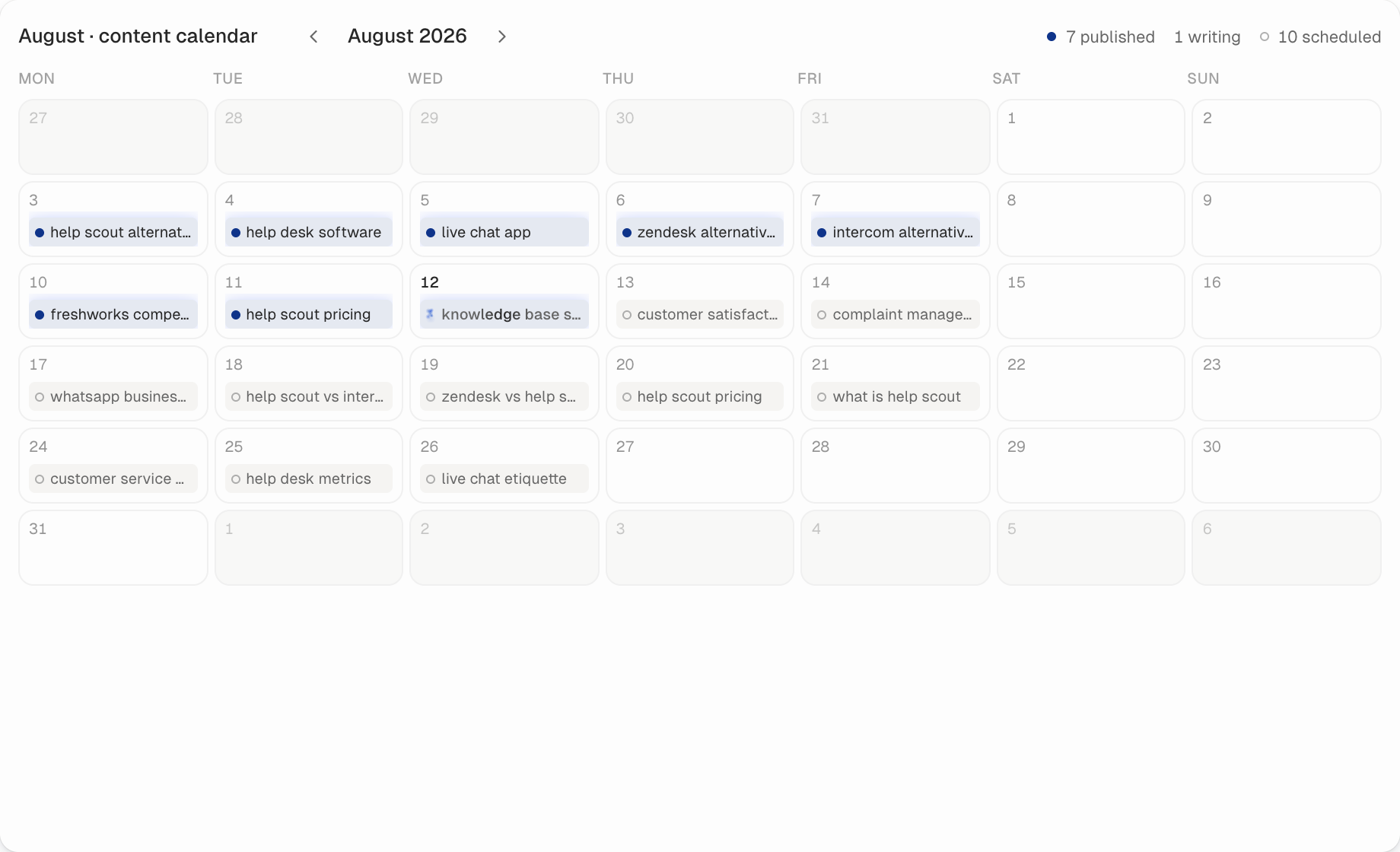
Cedric writes the article. The calendar shows it as writing, scheduled, or published, on the CMS you connected.
Explore the writerRankUp writes and updates the pages, then publishes them to WordPress, Webflow, Sanity, Contentful, Storyblok, or Ghost. Every change is a visible diff. Nothing is pasted by hand.
Enter your domain to see if you qualify (SaaS and tech companies, English sites only!)
Growing startups around the world











 Featurebase
 Agents write new articles and refresh the pages you already have.
Each edit is kept as a before-and-after diff. You choose automatic publishing or review first.
The finished page goes live on your website, images and formatting included. Immediately, or on a date you pick.
Edit a page later in RankUp or on your website. RankUp keeps both copies in sync so nothing goes stale.
 WordPress
  Webflow
  Sanity
  Contentful
  Storyblok
  Ghost
Ghost Every edit is a before-and-after, kept in history, and reversible if something looks off.
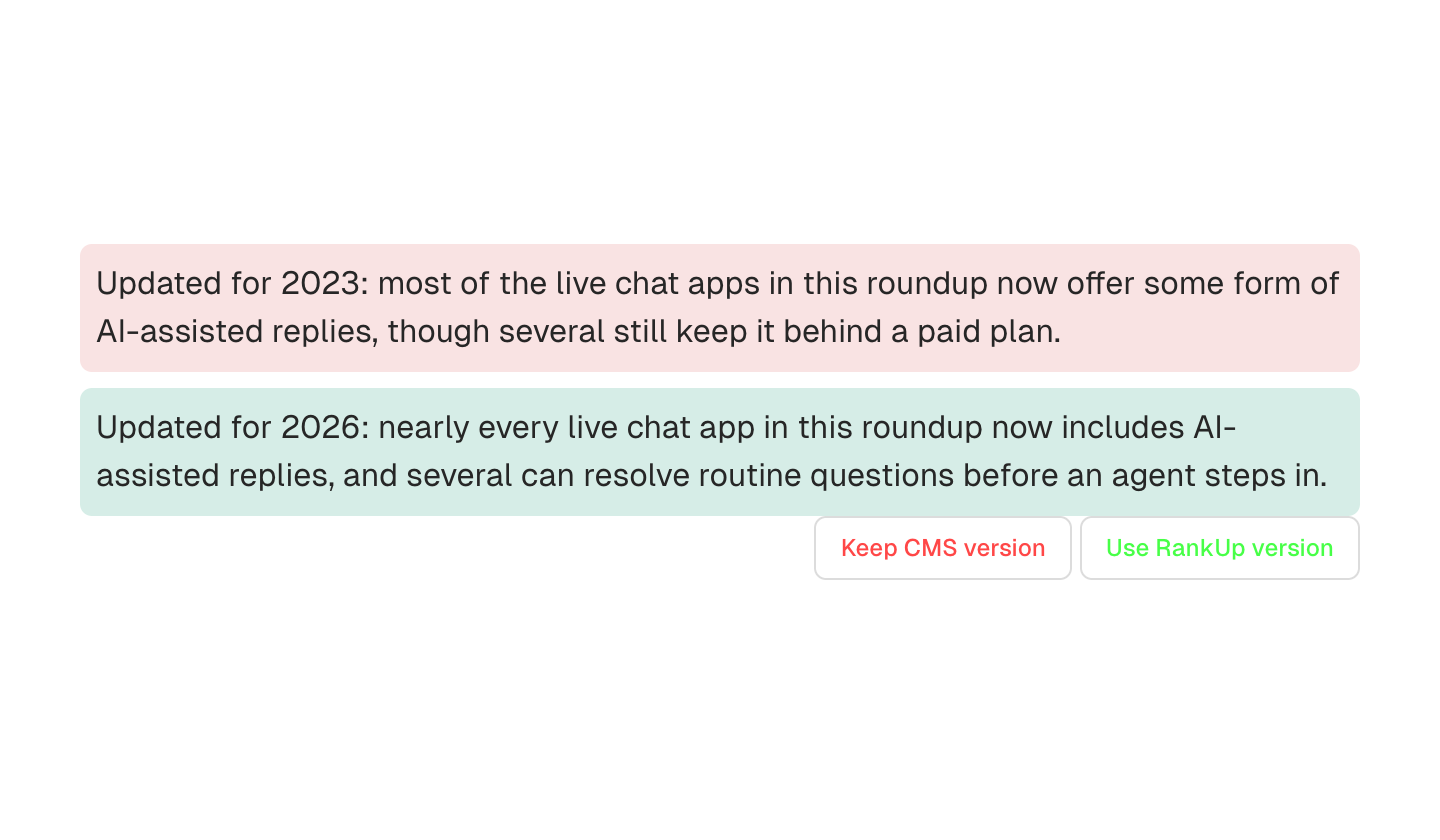
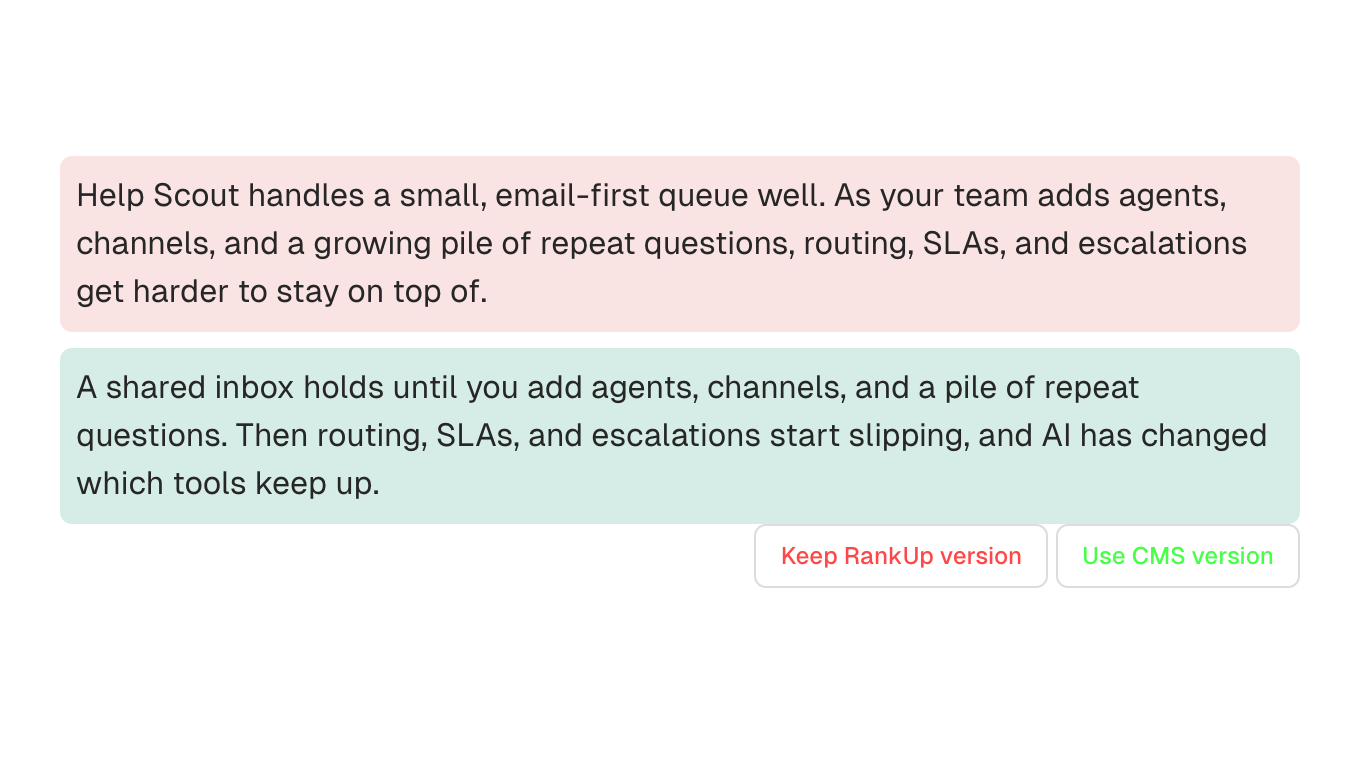
When the same page changes in RankUp and on your website, both versions are shown. Use CMS keeps the live copy. Keep Local keeps the RankUp copy.
Cedric writes the article. The calendar shows it as writing, scheduled, or published, on the CMS you connected.
Explore the writerLyra's refreshes land as the same Keep and Undo diffs. Pushing them publishes to your CMS.
Explore content refreshYour website stays where it is. RankUp connects once, then publishes and syncs from the same workspace that plans and writes.
Explore the content manager No. Your website stays exactly where it is. RankUp connects to it, improves the content, and publishes back. It never becomes the new home of the site.
Yes. RankUp can publish as soon as a page is ready. You can switch that to review-first at any time.
RankUp shows both versions and lets you pick which one to keep. It never overwrites without asking.
WordPress, Webflow, Sanity, Contentful, Storyblok, and Ghost.
An admin connects the site once in Settings. After that, RankUp can publish and update pages from the same workspace.
Enter your domain and we will show how RankUp would publish to your CMS, start to finish.
Enter your domain to see if you qualify (SaaS and tech companies, English sites only!)