For SaaS and tech companies with English sites.
:quality(80))
13 B2B Content Marketing Tools Compared by Workflow and Cost
:quality(80)) Georg Richard Aare
Georg Richard Aare For SaaS and tech companies with English sites.
Capable tools still create a broken workflow when briefs, drafts, approvals, publishing, and reporting live in separate systems.
Most lean SaaS teams need a small stack with clear ownership, not 13 subscriptions. The right combination depends on which lifecycle stage is causing the bottleneck.
We compared 13 B2B content marketing tools by lifecycle role and ability to move work forward. Each entry explains workflow fit and trade-offs.
This comparison shows what each tool owns, where subscriptions overlap, and which handoffs still require people or another platform.
What counts as a B2B content marketing tool?
A B2B content marketing tool owns a meaningful step in planning, creating, managing, distributing, or measuring content for business buyers.
No single platform needs to cover the full lifecycle. The useful distinction is the job it owns and how cleanly it passes work to the next stage.
Strategy and search intelligence. Maps audience questions, search intent, keyword difficulty, and competitor coverage before drafting begins.
Creation and optimization. Produces technical and sales content while keeping brand context and on-page requirements attached to the draft.
Management, distribution, and governance. Stores content, maintains metadata and indexation controls, routes approved assets into publishing channels, and keeps reviews visible.
Measurement and personalization. Connects content engagement with lead behavior, performance reporting, and tailored website experiences.
How we selected these tools
We screened marketing and SEO tools, excluding standalone B2C social apps and ecommerce utilities. Every finalist needed a clear role in long sales cycles and multi-stakeholder workflows.
We used regular workflow experience where available, limited product evaluations for selected tools, and official documentation, demos, pricing pages, and user reviews for the rest.
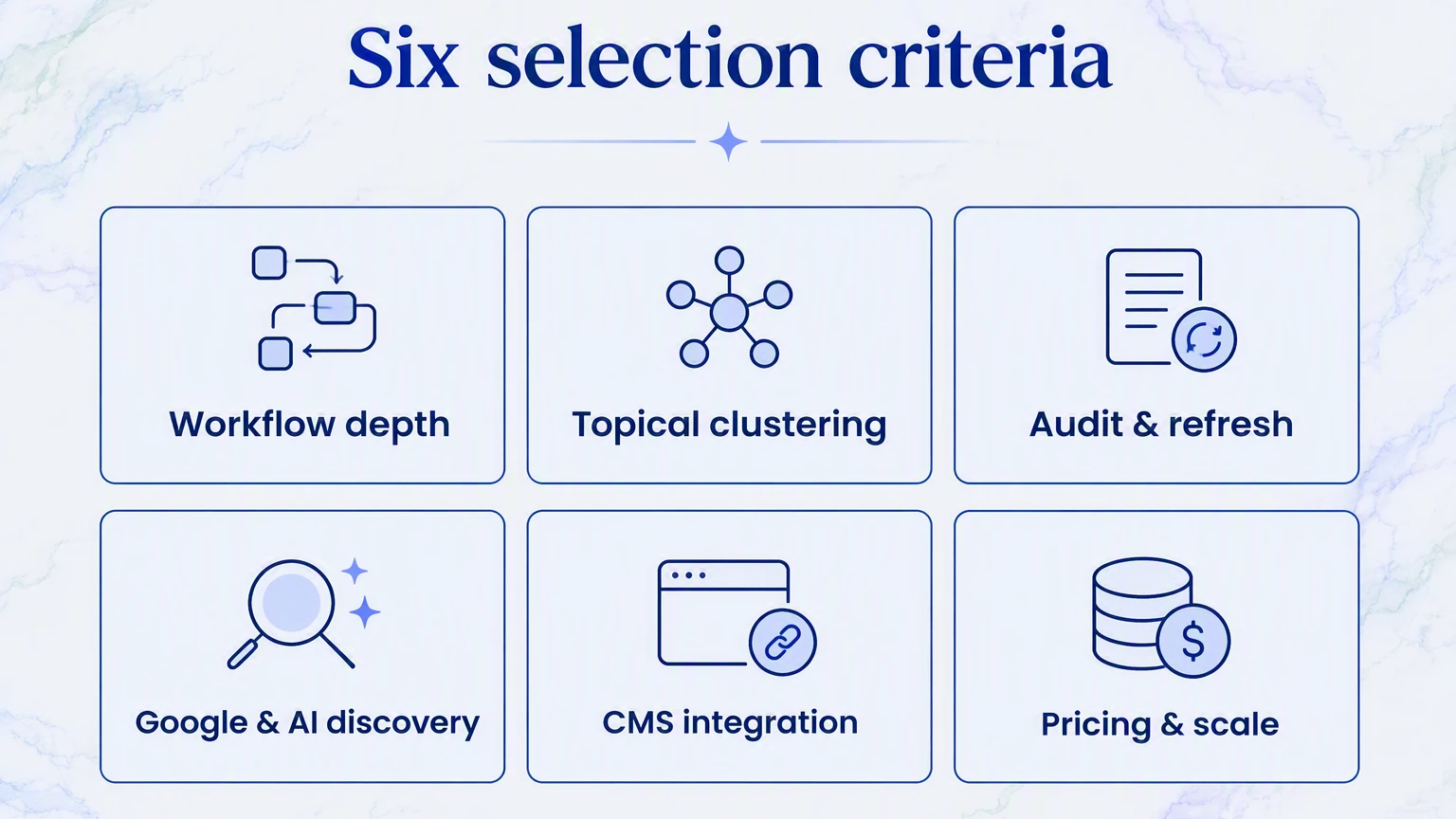
Selection criteria
Execution and workflow depth. How far the tool carries work from an approved idea toward a finished asset.
Strategy and topical clustering. How well it supports research, intent mapping, and content planning.
Content auditing and refresh. Whether it finds decay and helps teams improve existing pages.
Google and AI discovery. Whether the tool helps create, optimize, or measure content used in traditional search and AI-generated answers.
Ecosystem and CMS integration. How cleanly it connects with the systems B2B teams already use.
Pricing and scalability. How transparent the pricing is and how usage, feature gates, or team growth affect cost.
The final list covers distinct lifecycle roles. RankUp appears first as our platform; the remaining tools follow a practical editorial sequence, not a hidden numerical ranking.
B2B content marketing tools at a glance
The 13 B2B content marketing tools span six operational stages: research, creation, optimization, content management, distribution, and performance analytics.
Start with the lifecycle stage causing the bottleneck:
Research and planning: Find demand, validate topics, and organize the work before production.
Creation and optimization: Turn approved ideas into written, visual, or video assets and improve drafts before publication.
Management and distribution: Store, publish, personalize, and distribute approved content.
Measurement and improvement: Connect content performance with the next reporting or update decision.
Use the table to match that bottleneck with relevant tools before moving into the detailed entries.
Tool | Lifecycle Stage | Starting Price | Core Functionality |
|---|---|---|---|
RankUp | Strategy & Creation | [User input / Tiered] | Automated topical clustering, agentic drafting, and content auditing |
Content Hub by HubSpot | CMS & Management | From $20/seat/mo | Integrated CMS with CRM-driven content personalization |
Content Toolkit by Semrush | SEO & Research | $139/mo | Keyword gap analysis, topic research, and SERP position tracking |
BuzzSumo | Research & PR | $199/mo | Content trend analysis, backlink discovery, and influencer identification |
Canva | Visual Design | Free / $15/user/mo | Visual brand asset creation, presentations, and infographics |
Synthesia | Video Creation | From $16/mo | AI avatar video generation and automated multilingual localization |
Contentful | Headless CMS | Free / $300/mo | API-first structured content modeling across multiple frontends |
Adobe Marketo Engage | Marketing Automation | Custom quote | Account-based lead scoring and automated multi-stage email nurturing |
EveryoneSocial | Social Distribution | Custom quote | Employee advocacy hub for employee-driven LinkedIn content distribution |
Litmus | Email Optimization | From $99/mo | Pre-send email rendering previews across 100+ email clients and ESPs |
Google Analytics 4 | Analytics | Free | Event-based behavioral tracking and multi-channel conversion attribution |
Clearscope | SEO Optimization | From $189/mo | Semantic keyword grading and SERP competitor term analysis |
Jasper | AI Copywriting | From $49/seat/mo | Knowledge-grounded AI text generation across marketing formats |
These tools are mostly complementary. Costly overlap appears when several products create competing research queues, draft scores, approval paths, or reports without one clear owner.
The 13 best B2B content marketing tools for 2026
The best B2B content marketing tools span distinct stages of the content lifecycle, from strategic research and creation to distribution and performance analytics. The thirteen platforms below are evaluated on workflow depth, audience suitability, and how effectively they handle complex B2B buying journeys.
1. RankUp
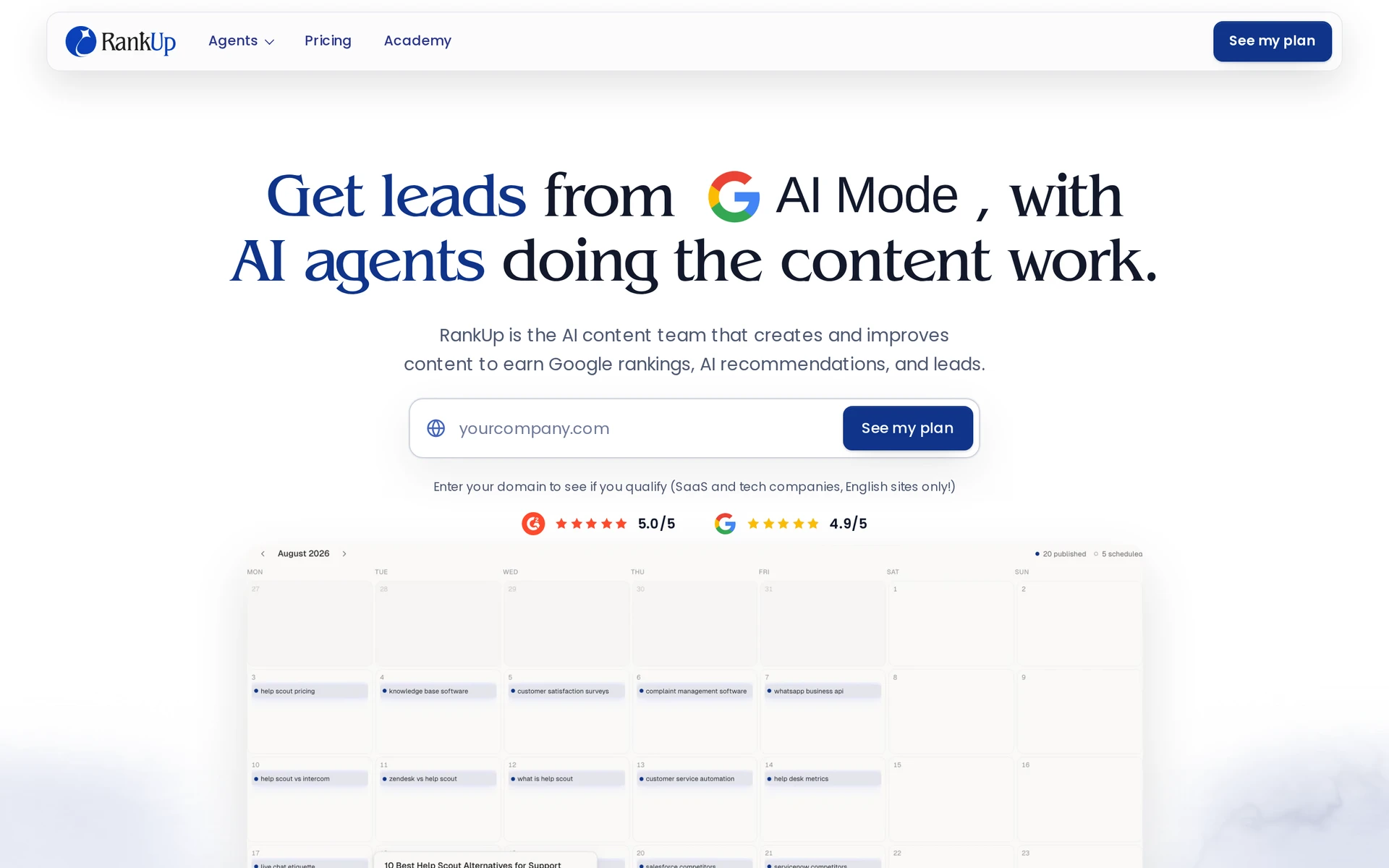
RankUp is a dedicated SEO and GEO content system for SaaS teams that need strategy and new content completed, not another queue of recommendations. It plans and creates content first, then improves live pages as performance data arrives.
A lean marketing team can review the decisions that matter without manually reconnecting research, drafts, and update recommendations across separate tools.
Shared product, market, and brand context makes each cycle more tailored and gives Google and AI systems better material to understand the product. Magnus, Cedric, and Lyra own distinct stages of that connected workflow.
Built around your content work
RankUp connects planning, production, measurement, and updates in one reviewable cycle. Each agent owns a distinct job, but they share the same business context and pass work forward.
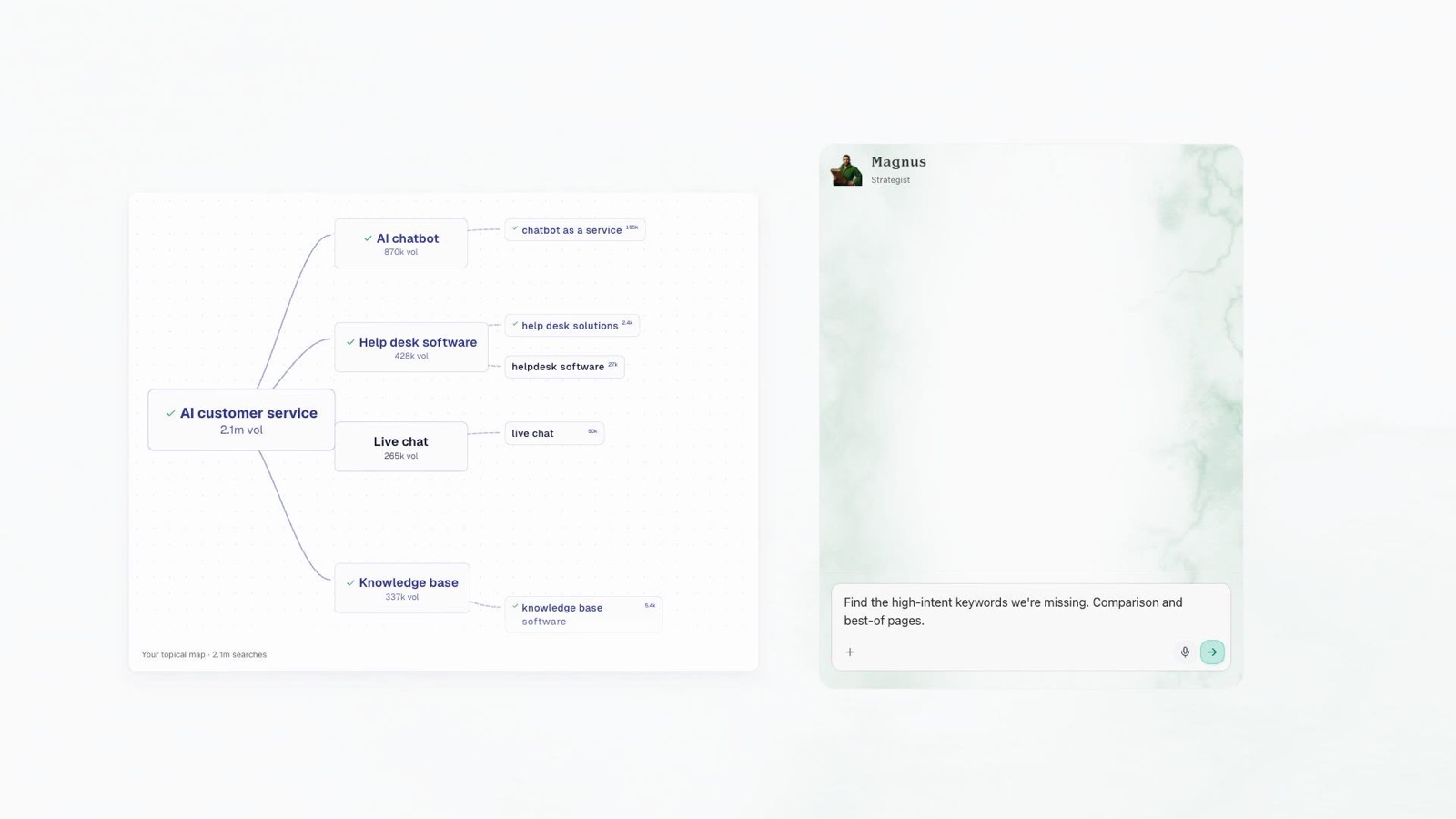
Magnus plans coverage from demand and gaps.
Cedric turns approved topics into blueprints and drafts, while Lyra finds pages to update and frames tasks for Cedric. Every handoff returns to the marketer for review.
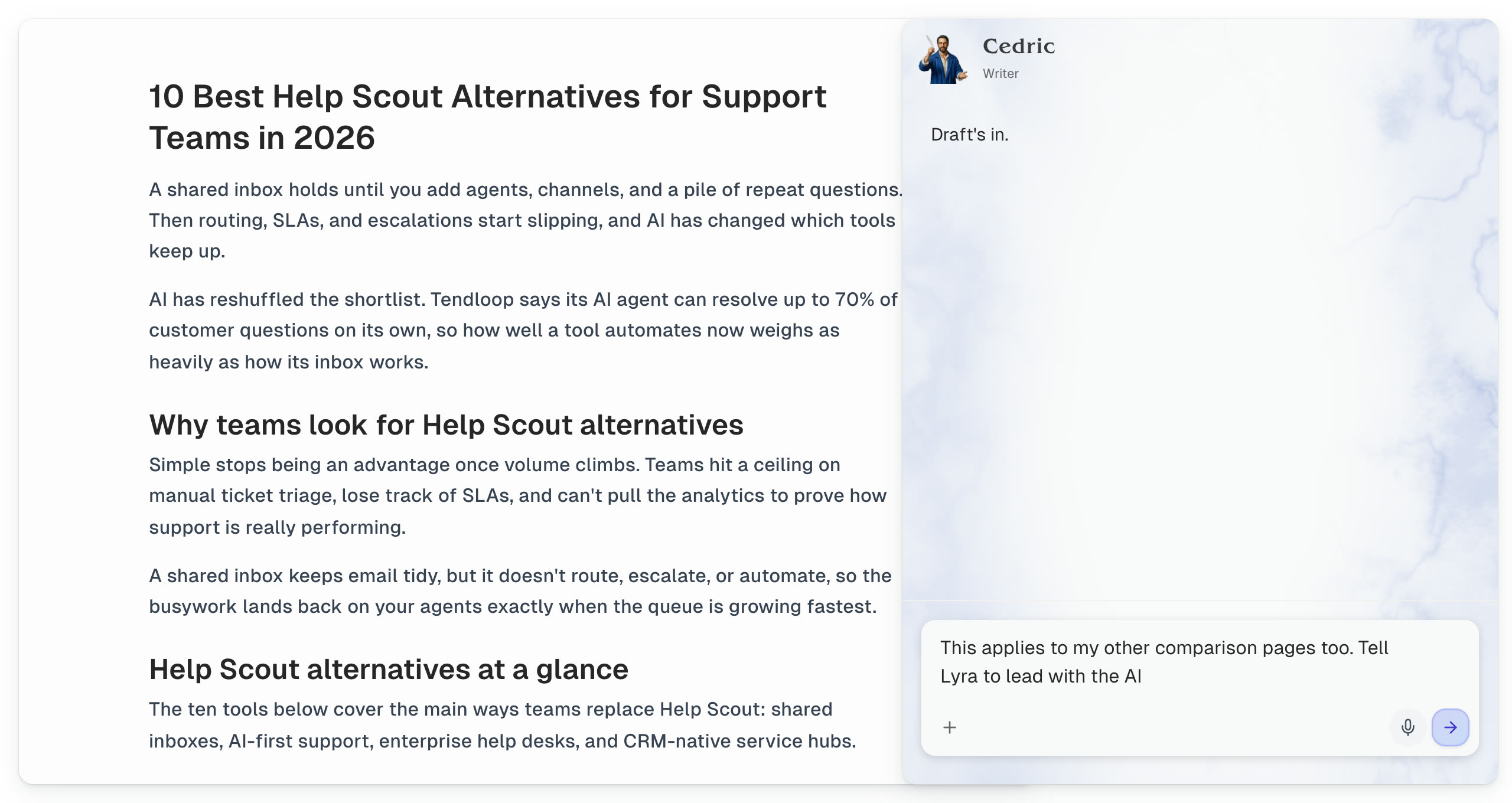
You keep control at the points that change strategy or published content. RankUp presents keyword decisions, focused interview questions, and proposed page edits for review rather than silently changing the site.
Strategy and topical planning (Magnus)
Strategy begins with business context, not a raw keyword export. Magnus uses the target customer, product positioning, competitor set, and existing coverage to shape the topical map.
Magnus groups close variants by intent and checks proposed topics against existing pages. It ranks priorities by relevance and business value, then organizes approved terms into clusters and content-plan groups.
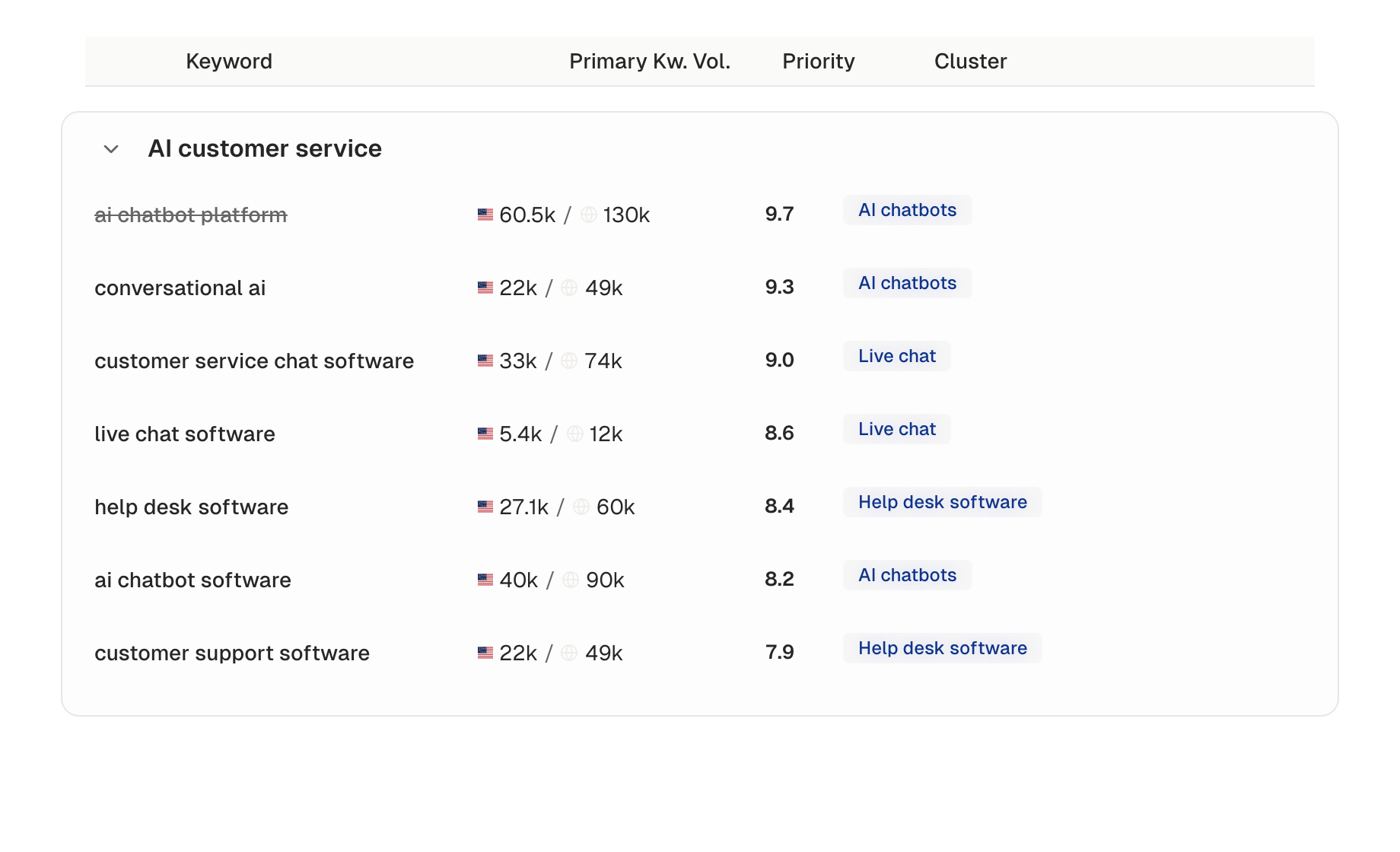
Hierarchy changes stay reviewable. When Magnus recommends moving a keyword, adding a cluster, or changing a content group, the proposal includes the reasoning so you can accept or reject it.
Autonomous content creation (Cedric)
Content creation starts from the approved keyword.
Cedric reads the live SERP, compares competitor structures, and builds a Content Blueprint around search intent and gaps the article can credibly fill.
The draft draws from four distinct inputs:
The knowledge base supplies sourced product and market facts
The creative brief supplies positioning, audience, and promises
Style guides set the writing rules and voice
A masterpiece reference sets the quality and structural benchmark
Cedric also proposes relevant internal links and reviews the completed draft before handoff.
Cedric asks focused questions only when a missing detail would materially improve the article. A pricing comparison might need the objection buyers raise before purchase or the product difference that changes their decision.
Your answer becomes source material for the current draft and future work. You can review the article, request changes, and approve the final version before publishing.
Content audits and updates (Lyra)
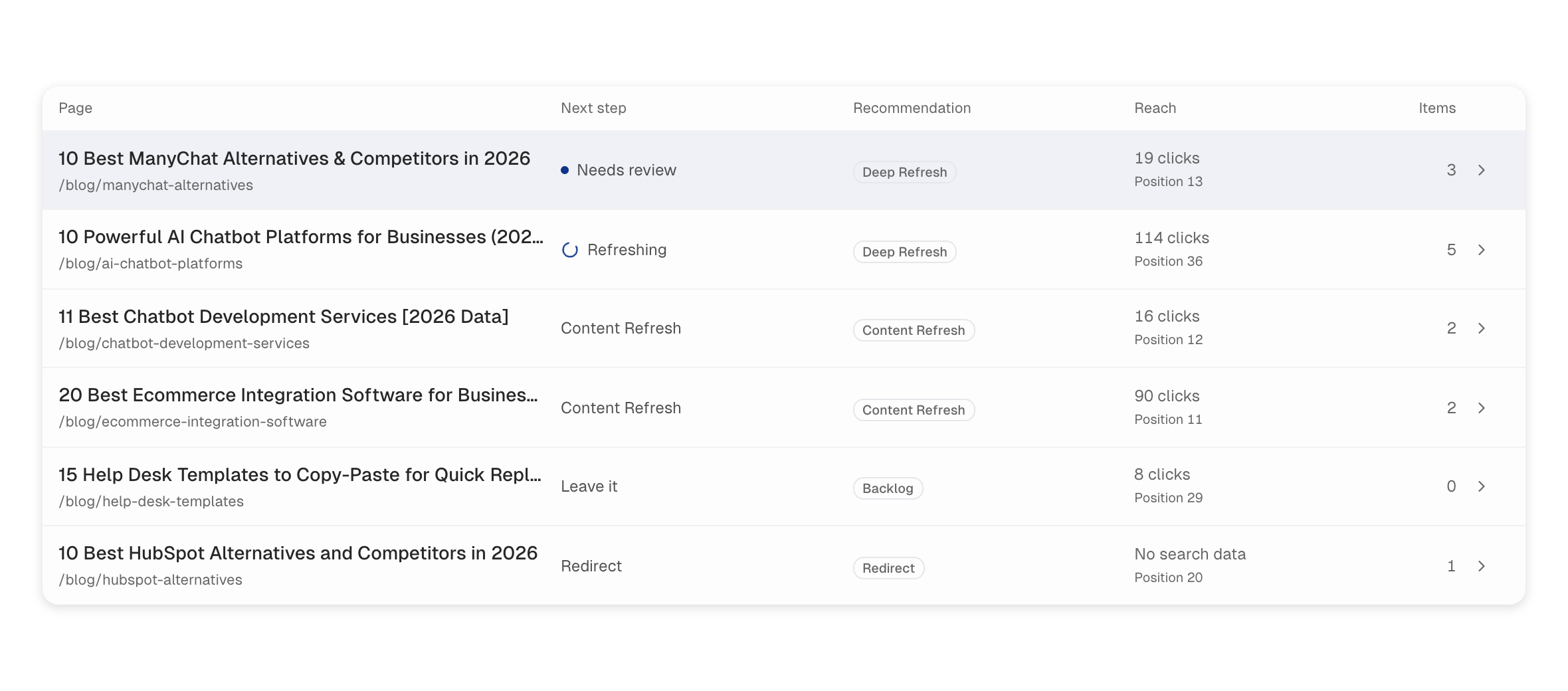
For each selected page, the audit can recommend a refresh, rewrite, merge, redirect, retirement, or no change. The recommendation includes its reasoning and priority so the team knows what deserves attention first.
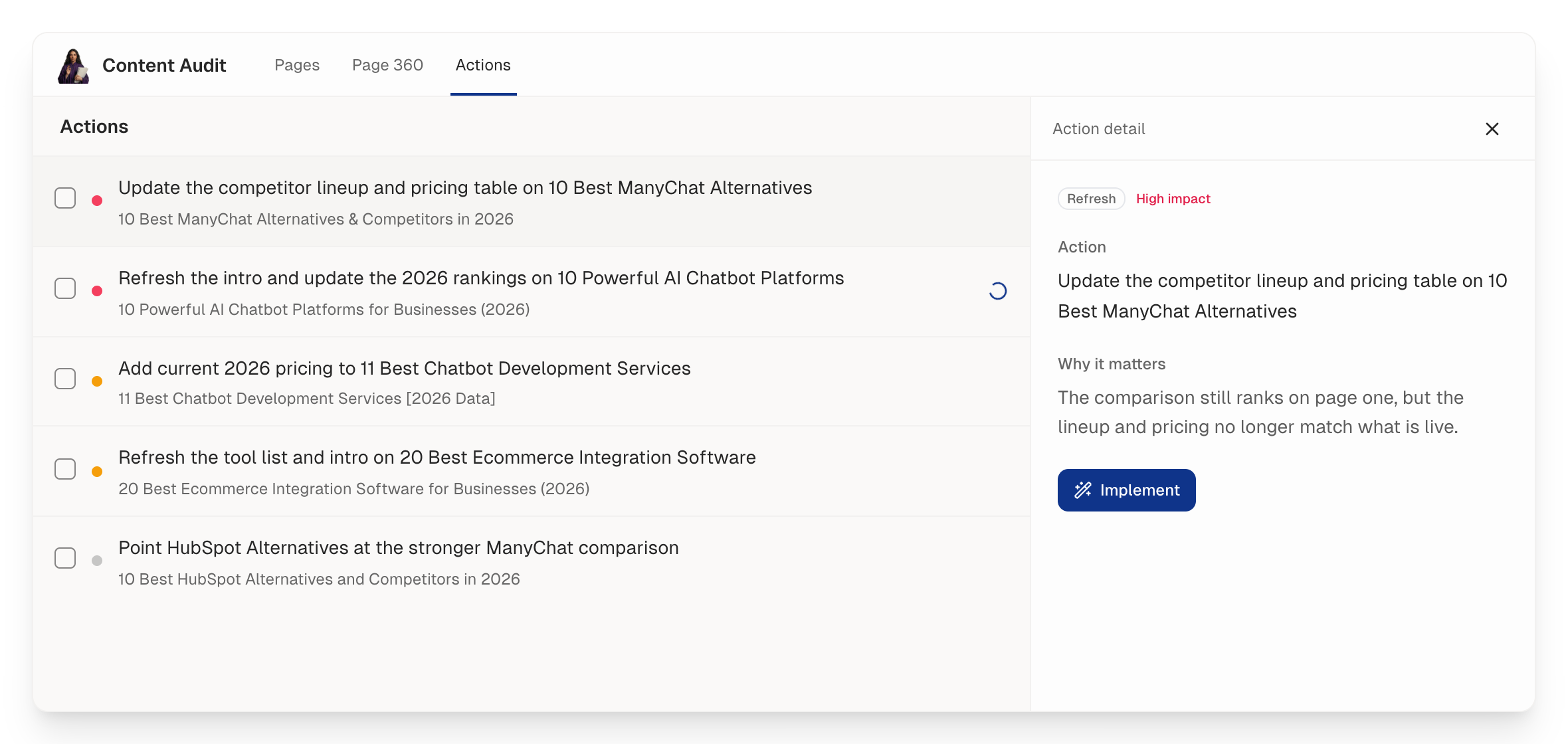
Lyra frames the page-specific task for Cedric. The shared brand and task context keeps Cedric’s proposed copy grounded.
The finished change returns as a reviewable edit. Nothing needs to reach the CMS until the user approves it.
Knowledge base and brand context
Focused interview answers add missing expertise to that context. Later articles can reuse what the team has already explained instead of asking for the same product background again.
Pricing
RankUp begins by understanding the business, analyzing the site and current situation, learning the brand context, and establishing an AI-search baseline. The pre-trial work produces prioritized next steps and a tailored ongoing plan.
The 7-day free trial is the execution period, with enough included balance to try content creation and refresh workflows. Ongoing plan pricing is tailored and is not publicly listed.
Ready to put the plan into practice? Start your 7-day free trial.
Available for SaaS and technology companies with English-language sites.
2. Content Hub by HubSpot
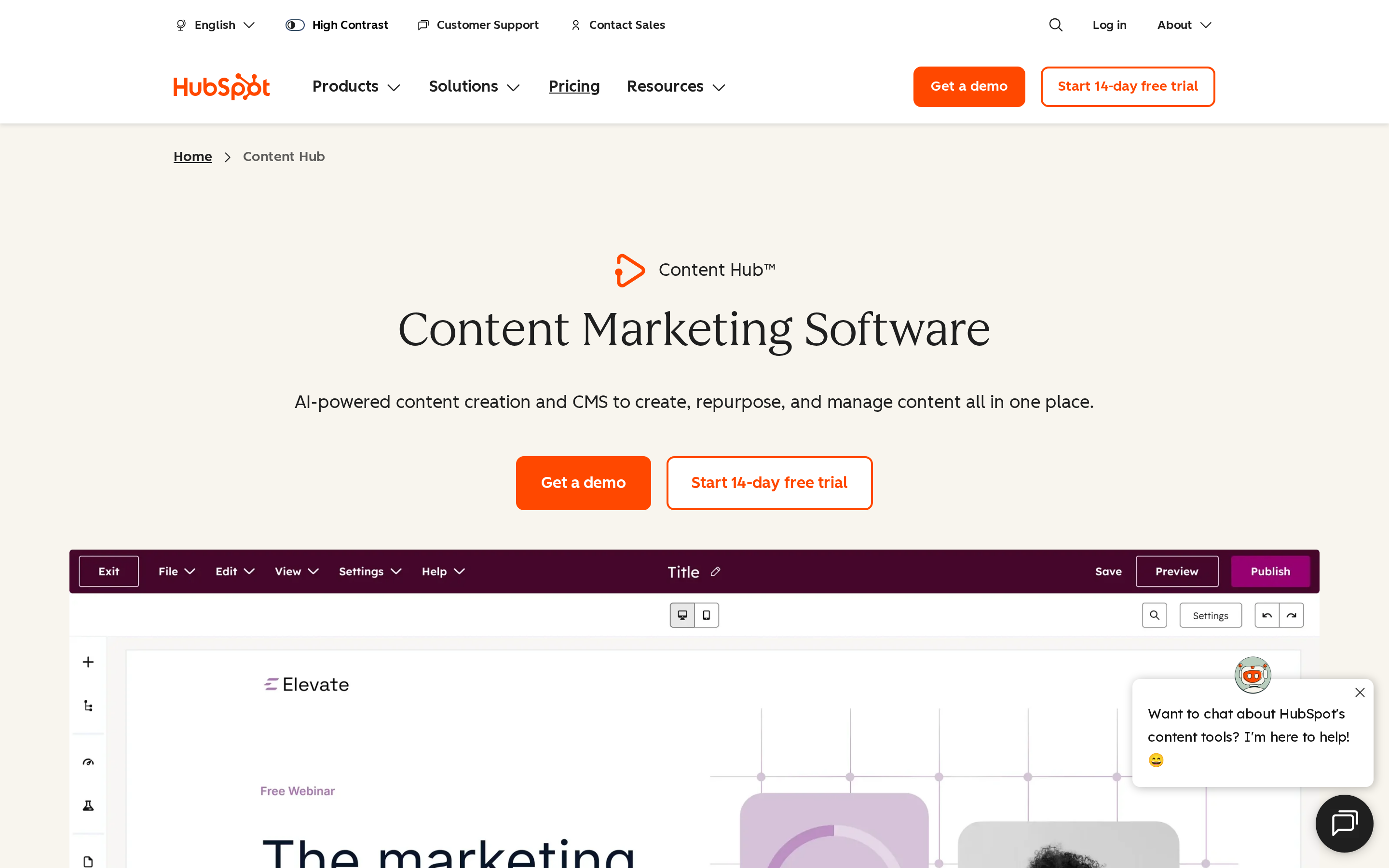
Content Hub by HubSpot is an all-in-one content management and marketing platform that connects content creation, hosting, and lead generation to a centralized CRM.
Best for
For B2B teams already using HubSpot CRM, Content Hub keeps publishing, lead capture, and contact data in one environment.
The fit weakens when a company already has a separate CMS or data stack. In that setup, HubSpot’s bundled workflow may duplicate systems the team intends to keep.
Where it fits in the B2B content workflow
HubSpot connects publishing and CRM operations in one environment.
Publishing — teams can manage website and campaign content inside Content Hub.
Lead capture — forms connect content interactions to conversion paths.
CRM context — captured activity can flow into HubSpot contact records for follow-up and reporting.
Connecting content, forms, and CRM records gives inbound teams one path from publication to lead follow-up.
Content Hub does not remove the need for deeper SEO planning or content production. Teams still need a process for deciding what to publish, producing the work, and refreshing underperforming pages.
Main trade-off
The main trade-off is scope. Content Hub manages content and CRM-connected journeys, but your team still needs an upstream process for deciding what to publish and carrying search opportunities into production.
Pricing
Content Hub Starter starts at $20 per seat per month when billed annually.
Professional and Enterprise pricing should be weighed against the contact volume, user access, and HubSpot products your team needs.
Plan Tier | Starting Price | Key Features and Limits |
|---|---|---|
Starter | $20/seat/month ($15/seat billed annually) | Basic CMS hosting, simple blog and landing page creation, standard form capture, standard reporting |
Professional | $800/month billed annually ($890/month billed monthly) | Dynamic content personalization, multi-language management, custom reporting, automated workflow routing |
Enterprise | Custom quote (typically $1,500+/month) | Multi-site governance, adaptive testing, custom CDN configuration, advanced team permissions |
3. Content Toolkit by Semrush
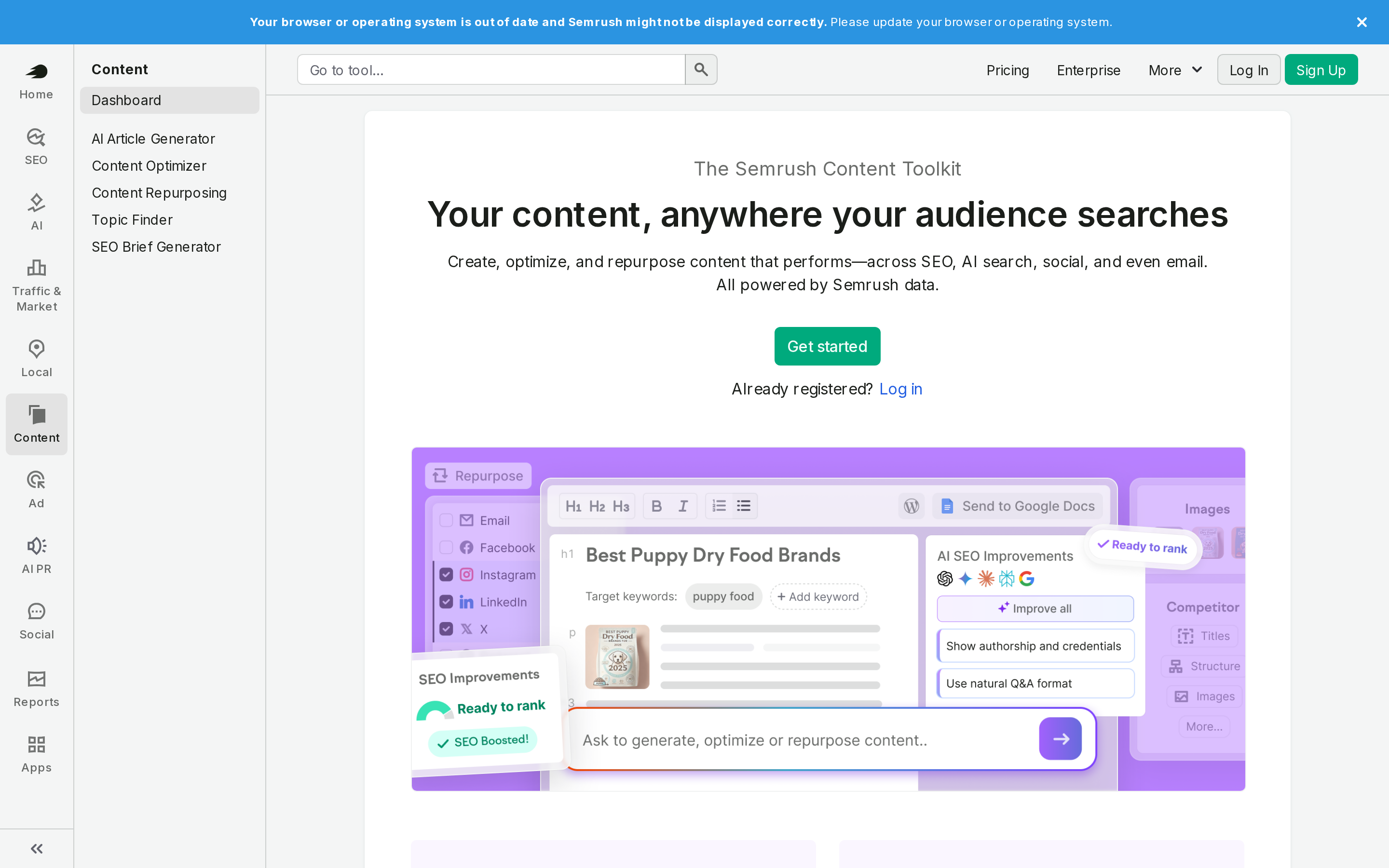
Semrush Content Toolkit is a separate content subscription for topic research, brief generation, AI-assisted writing, and optimization within Semrush.
Best for
The separate toolkit suits teams with an established editorial process that need keyword research, topic discovery, and structured briefs before drafting begins.
The workflow is useful when strategists can review the research and assign briefs to writers. It assumes the team already has people responsible for drafting, editing, and publishing.
Without those handoffs, the toolkit can create another queue of recommendations. The research still needs an owner who can prioritize topics and move each brief into production.
Where it fits in the B2B content workflow
Content Toolkit supports research and draft preparation. The team still carries each selected topic through editorial review, publishing, and later refreshes.
Semrush supports the early content stages, while the team carries the work through production:
Turn selected opportunities into content briefs.
Send the brief to a writer for drafting and editing.
Publish the page and manage later refreshes through the team’s existing process.
The evaluated workflow produced useful topic research and briefs, while editorial ownership remained with the team.
Main trade-off
The toolkit still needs an editor and a publishing process around it.
Someone still has to prioritize opportunities, check each brief against business goals, edit the work, publish it, and decide when it needs another refresh.
Pricing
Semrush sells Content Toolkit as a separate subscription rather than limiting it to a Guru SEO subscription.
Because Content Toolkit is sold separately, compare its current package, user access, and project allowances with the broader Semrush products your team already uses.
4. BuzzSumo
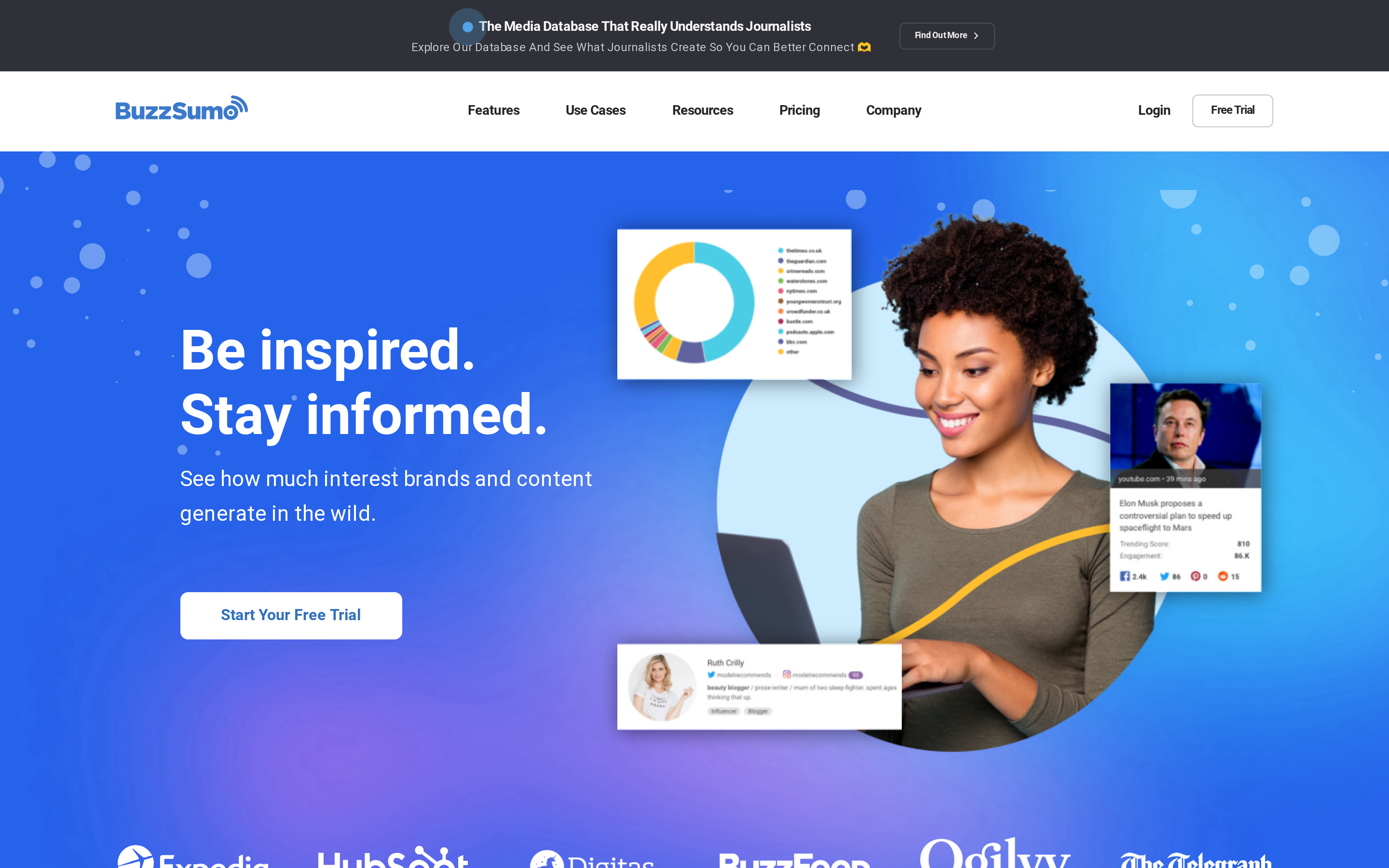
BuzzSumo is a content research and social intelligence platform that tracks topic engagement, content performance metrics, and industry influencers.
Best for
B2B teams can use the platform to validate a campaign angle before production begins. Its content data separates topics earning shares from ideas supported only by internal opinion.
Search a topic, compare the content that attracted shares, and carry the useful patterns into the brief.
That makes the research useful for thought leadership, reports, and campaign concepts where audience interest matters before a brief is approved.
BuzzSumo can extend that research into distribution. After finding a relevant piece, you can examine who shared it and build an outreach list of journalists, creators, or potential campaign partners.
The list still needs human review. A share shows interest in the subject, but it does not confirm that the person is relevant to your audience or open to collaboration.
Where it fits in the B2B content workflow
BuzzSumo operates primarily in the pre-creation and distribution stages, supporting topic ideation, brief development, and promotional outreach.
BuzzSumo supplies engagement evidence before writing begins, but that evidence still needs to be interpreted inside the brief.
Shares can indicate audience interest, but they do not prove search demand or commercial intent. The strategist still has to connect the angle to the product, search intent, and campaign goal.
The same share data supports the distribution handoff. Once a piece is ready, revisit related content and identify the people or publications that previously amplified the subject.
That creates a more focused starting list than broad outreach. BuzzSumo supplies the research, while the campaign owner handles qualification, messaging, and follow-up.
Main trade-off
BuzzSumo covers research and monitoring rather than content production or publishing.
That separation matters when you are evaluating workflow coverage rather than discovery data alone.
Pricing
BuzzSumo starts at $199 per month for its Content Creation plan.
Budget for BuzzSumo as a research and monitoring layer rather than an end-to-end content platform. The total stack cost still includes the software used for SEO planning, writing, and publishing.
5. Canva
Canva is a cloud-based design and visual editing platform for creating marketing graphics, presentations, and social content.
Best for
Once layouts, fonts, colors, and logos are set, Canva turns approved B2B copy into on-brand campaign assets quickly.
Common outputs include:
Social graphics and carousels
Slide decks and report graphics
One-pagers and sales collateral
Blog headers and simple infographics
Templates lower the design burden for marketers who are not dedicated designers. A prepared layout gives each person the same starting point, while brand assets reduce manual decisions about fonts, colors, and logo placement.
Adoption still depends on template quality. Clear names and locked reference layouts make the approved options easier to find and reuse.
Where it fits in the B2B content workflow
Canva sits in the asset production and distribution preparation stage, transforming written briefs into visual and multimedia formats.
Canva fits after the copy has been approved. The handoff can stay simple:
Place final headlines, body copy, and calls to action in the design request.
Select the approved template for the channel and format.
Replace the template text and imagery without changing the core layout.
Route the asset through brand and copy review before export.
This sequence keeps writing decisions out of the design file and gives reviewers one finished message to check.
For multimedia work, Canva can turn the same approved message into a static graphic, presentation, or lightweight animated asset. The source copy should remain fixed while the format changes for each channel.
That boundary prevents a designer from rewriting claims inside a template after the copy review is complete.
Main trade-off
Canva works after strategy and copy decisions are complete. Complex illustration and print-production files may still require a dedicated design application.
Default templates can make assets from unrelated companies look similar. Treat a Canva template as a reusable structure, then adapt spacing, typography, imagery, and recurring graphic elements to the brand.
The goal is a repeatable system that still looks recognizably yours.
Pricing
Canva has a free tier. Canva Pro starts at $120 per year for one person, billed annually.
Compare Canva plans by the controls your team needs, such as shared templates, brand management, approvals, and administration.
Give editing access to the people building assets. Stakeholders who only supply approved copy or review exports may not need the same plan access.
6. Synthesia
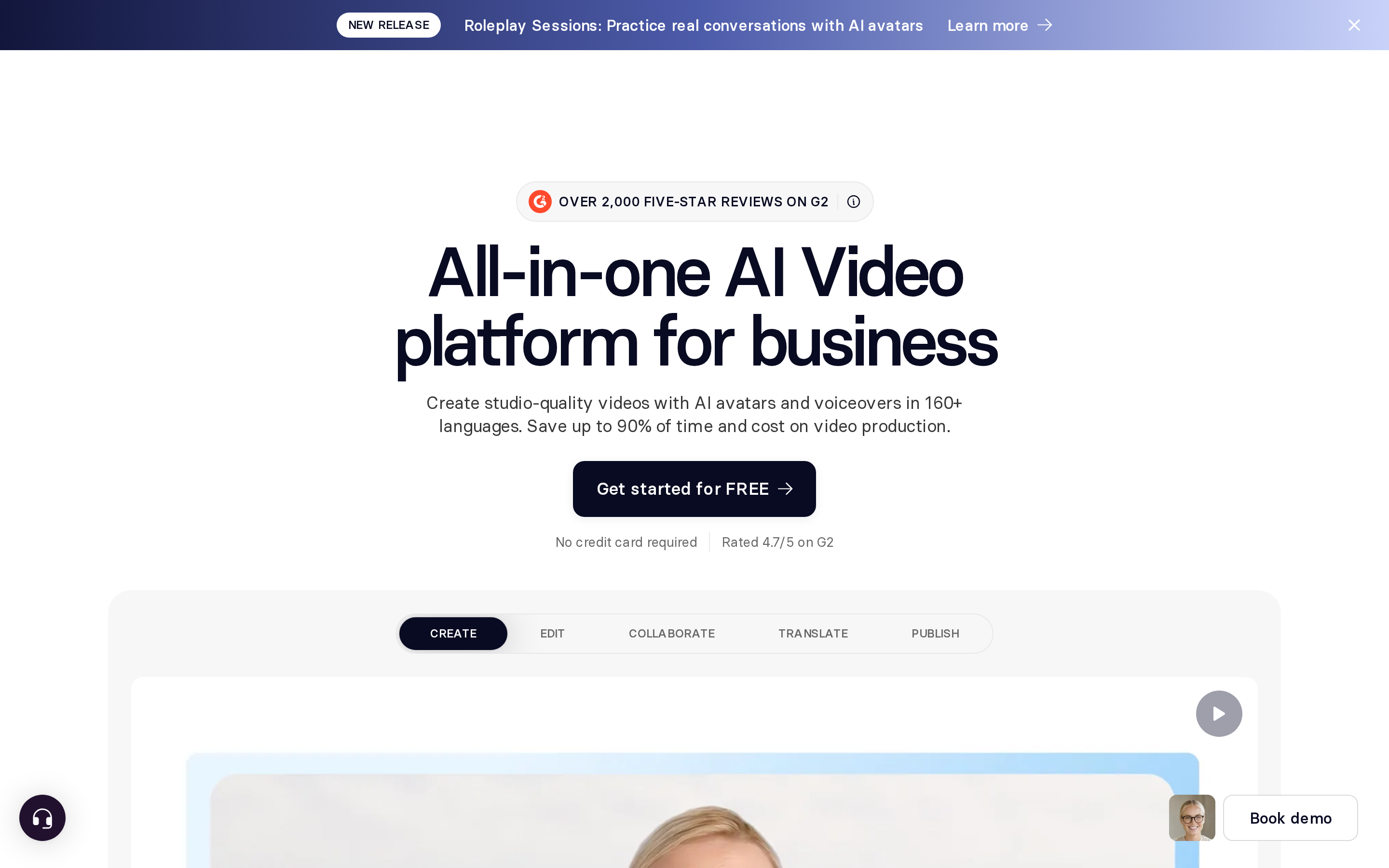
Synthesia is an AI video generation and localization platform that turns text scripts into video with synthetic avatars and voice dubbing.
Best for
Synthesia fits distributed B2B marketing teams that must localize product demos, onboarding walkthroughs, and customer training into multiple languages.
Synthesia is best suited to B2B teams turning approved scripts into repeatable avatar-led videos. Common formats include product explainers, customer onboarding, software walkthroughs, and internal training.
Where it fits in the B2B content workflow
Synthesia sits in the asset creation and localization phase of the B2B workflow, converting completed scripts into production video.
In the production stage, you supply a finished script or existing recording, select the presenter and layout, and generate the video asset.
Research, positioning, and script approval therefore happen before the project reaches Synthesia.
Finished videos can move into your existing delivery setup through:
Downloaded video files for websites and campaign assets
Share links for review or direct viewing
Embeds inside learning, support, or sales content
The final destination depends on your CMS, learning platform, and access requirements.
Main trade-off
The workflow begins after the script is approved, so strategy and performance work stay elsewhere in the stack.
Teams still need separate processes for:
Keyword research and topical planning
Written-content creation and approval
Performance analysis and content audits
Avatar-led delivery fits repeatable instructional material more naturally than executive interviews or emotionally sensitive brand stories. Custom presenters, higher production volume, and governance requirements can also affect the plan and review process.
Pricing
Synthesia starts at $29 per month on a monthly billing plan.
Synthesia uses tiered self-service plans alongside quote-based enterprise arrangements. The plan decision depends on generation volume, collaboration needs, avatar options, and localization requirements.
The subscription price is only one part of the video budget. Script preparation, internal review, translation checks, and distribution setup still require staff time outside Synthesia.
7. Contentful
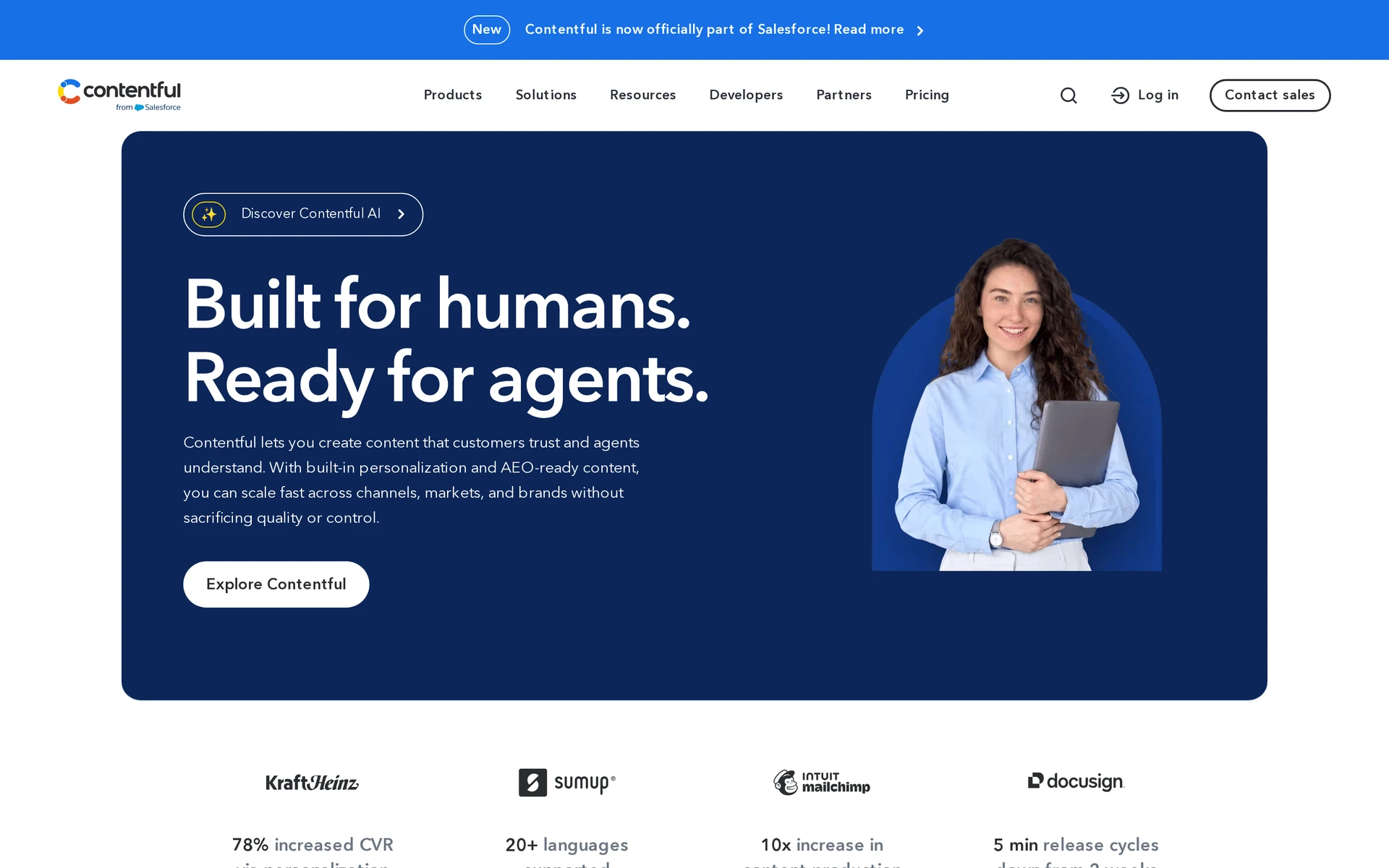
Contentful is an API-first composable content platform that stores, manages, and delivers structured digital content across multiple digital channels.
Best for
Contentful fits teams that reuse structured content across several websites, apps, or other frontends and have developer support for the presentation layer.
Developer support remains central because the presentation layer, content types, and integrations need ongoing maintenance.
The model fits composable architectures and distributed content operations. Global brands can define reusable entries, permissions, and localization rules while each channel controls how the content is displayed.
Where it fits in the B2B content workflow
Contentful serves the content repository, structured modeling, localization, and omnichannel publishing stages of the B2B content lifecycle.
Editors work with content types made from defined fields, validation rules, and references. Contentful’s visual experience builder lets editors assemble and preview pages from approved components.
Updating a shared entry changes the source content available to every channel that requests it.
Developers retrieve published content through Contentful's REST or GraphQL APIs. Webhooks can trigger builds or downstream workflows, while marketplace apps connect services such as localization, digital asset management, and personalization.
Main trade-off
Contentful still depends on modeled components and developer-owned frontend connections, even when editors use its visual experience builder.
Contentful separates content from presentation, so marketers do not automatically control page templates or frontend layouts. New components and layout changes usually require development work within the site's chosen framework.
The visual builder improves page assembly and preview for editors, but it does not remove the need for connected components and frontend configuration.
Contentful manages structured content and delivery rather than the full B2B content lifecycle. Keyword strategy, SERP research, drafting, optimization, and performance decisions need separate processes or connected tools.
Pricing
Contentful has a Free plan, while paid options use terms that vary by product, usage, and contract.
Contentful's plan fee does not capture the full implementation cost. Budgeting should include frontend development, hosting, integrations, migration, governance setup, and ongoing engineering support.
Confirm current user, locale, space, and bandwidth limits against Contentful’s plan details before budgeting.
8. Adobe Marketo Engage
Adobe Marketo Engage is an enterprise marketing automation platform designed for multi-stage lead nurturing, behavioral scoring, and complex cross-channel distribution.
Best for
Marketo Engage fits enterprise B2B organizations managing long, multi-stage sales cycles with several buying personas.
Marketo can track stakeholder behavior within an account and use those signals to coordinate marketing and sales follow-up. The value depends on a clear lifecycle model and consistent account data.
Where it fits in the B2B content workflow
Marketo Engage is used mainly for distribution, personalization, and lead nurturing in the B2B content lifecycle.
Marketo coordinates approved content across:
Email nurture streams
Paid media connections
Web personalization
Webinar campaigns
Engagement signals such as downloads and event participation can feed lead-scoring rules and campaign routing.
Editorial strategy and production sit upstream of Marketo. Your team still needs a separate process for keyword research, briefs, drafting, and approval before assets enter a nurture campaign.
Main trade-off
Marketo needs a marketing operations owner who can manage campaign logic and connected systems.
Implementation typically includes:
CRM and data integrations
Lifecycle and lead-scoring rules
Campaign governance and routing
Marketo gives enterprise teams control over lifecycle rules, scoring, routing, and connected campaigns. That control adds administration that a lean SaaS team may struggle to maintain.
Pricing
Adobe prices Marketo Engage by quote. The proposal can vary with database size, selected modules, implementation needs, and service requirements.
Ask Adobe to separate software, implementation, integration, and support costs in the proposal. That breakdown makes Marketo easier to compare with platforms that bundle more setup into the subscription.
9. EveryoneSocial
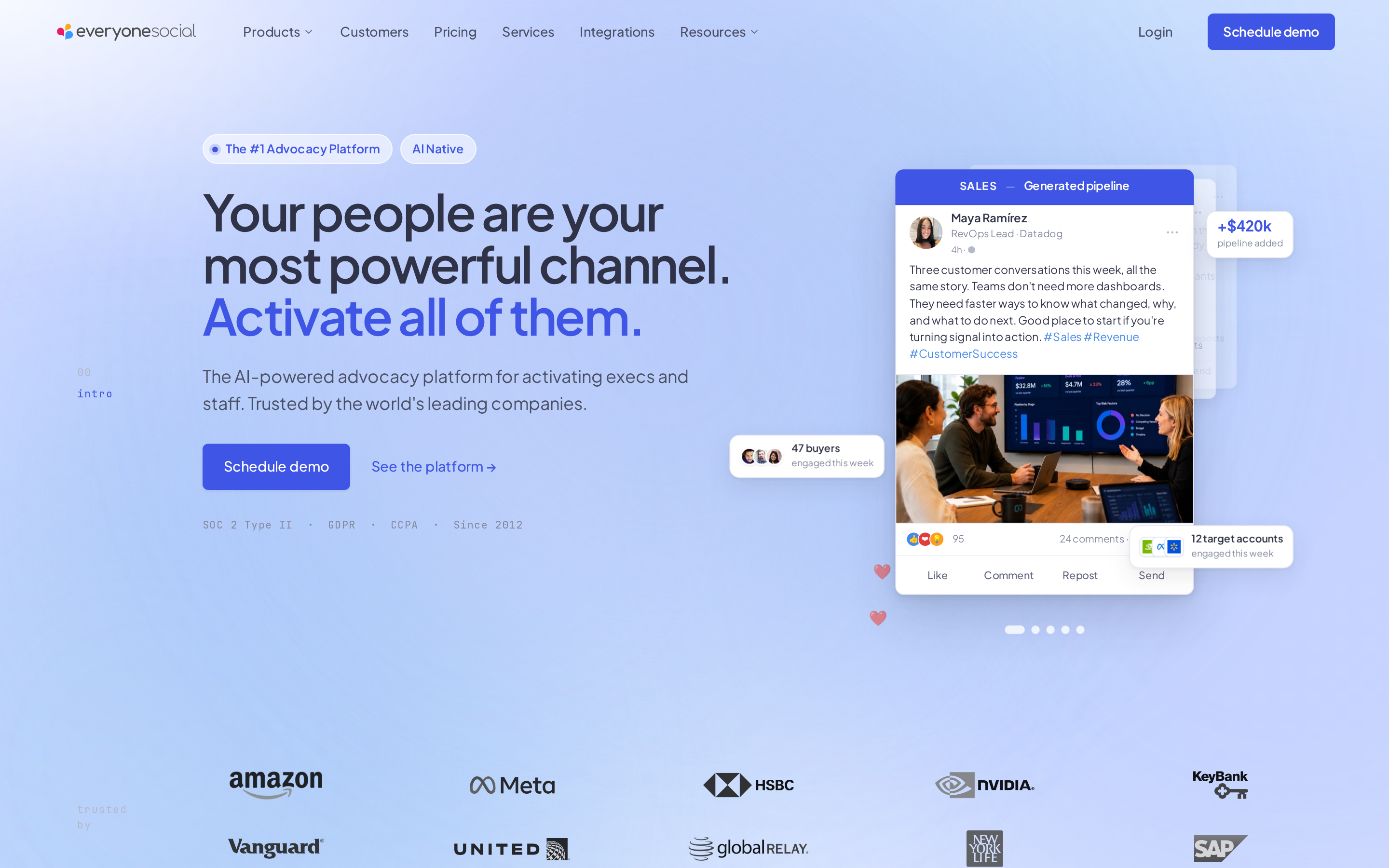
EveryoneSocial is an employee advocacy platform that distributes marketing content across personal employee social networks.
Best for
EveryoneSocial fits B2B marketing and sales teams seeking organic brand reach and social selling through employee networks.
Marketing can keep approved customer stories, product updates, and employer-brand posts in a shared stream while employees select what they want to share.
Personal profiles can extend distribution beyond a company page and put content in front of employees' professional networks. Results depend on participation and whether those networks overlap with the intended audience.
Where it fits in the B2B content workflow
EveryoneSocial operates at the distribution stage of the content lifecycle, amplifying finished marketing assets through employee social channels.
Marketing adds approved articles, case studies, and company updates to internal content streams. Employees can select suitable posts, adapt the accompanying message, and publish through connected social accounts.
Track adoption and business impact separately:
Adoption: active advocates, sharing frequency, and participation by department
Distribution: clicks, engagement, and referral sessions from employee posts
Outcomes: conversions or sales activity connected to that referral traffic
Record a baseline before rollout so the team can judge whether advocacy adds reach beyond existing company channels.
Main trade-off
EveryoneSocial depends on employees choosing to participate and share the approved content.
A product-launch post cannot extend distribution when employees skip the advocacy feed or lack a suitable message to adapt. Program owners need a regular supply of approved content and clear sharing guidance without turning every post into a mandate.
Its specific boundary is participation: the platform can organize approved posts, but it cannot make employees share them or ensure their networks match the intended audience.
Pricing
EveryoneSocial does not publish pricing; plans are quoted on request based on organizational size.
EveryoneSocial structures quotes around organizational size, access, and required capabilities. Compare the quote with likely active participants and the relevance of their networks, not total headcount alone.
10. Litmus
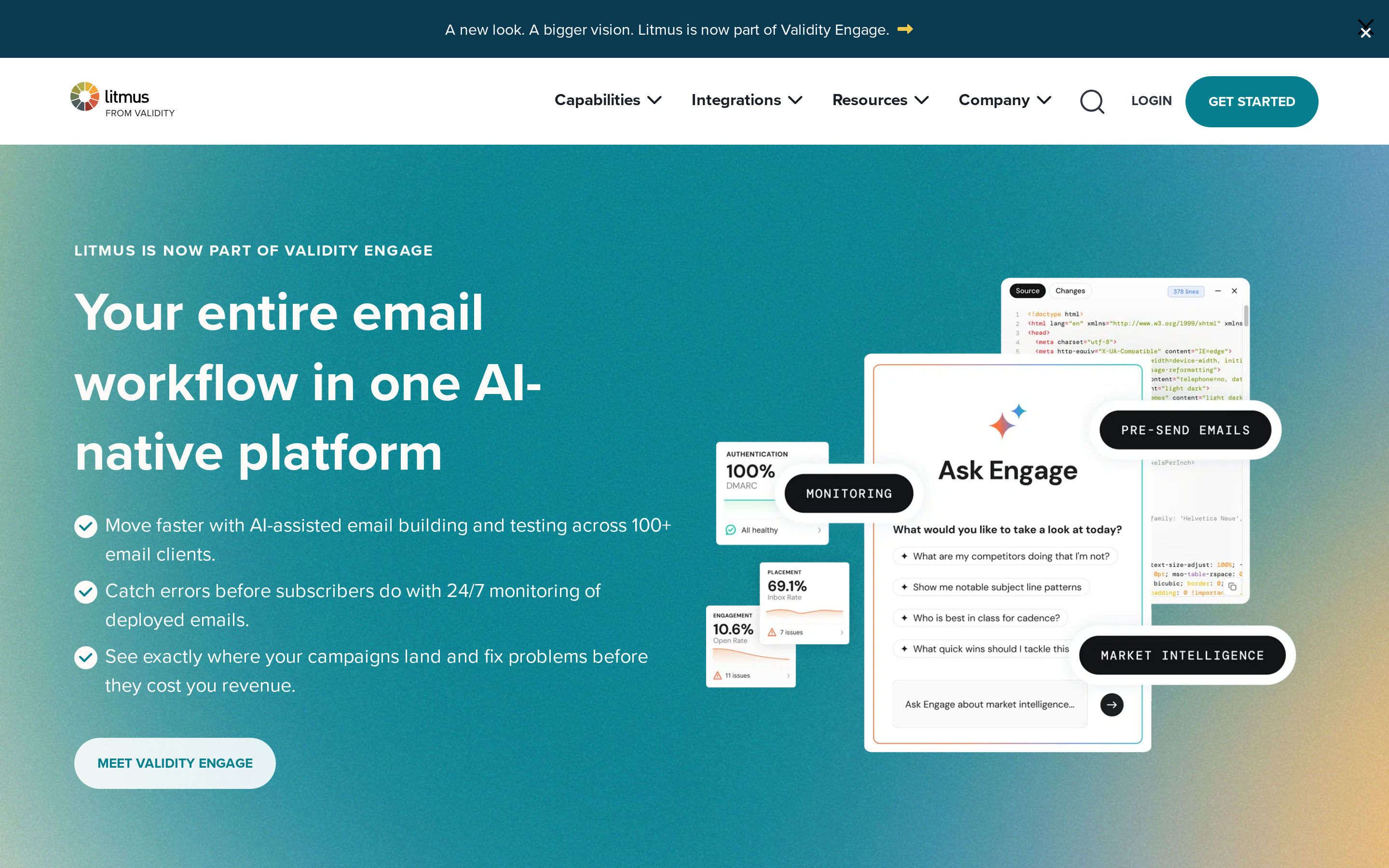
Litmus is an email optimization platform for pre-send rendering tests, team collaboration, and campaign analytics.
Best for
Litmus fits B2B marketing teams that run complex email campaigns requiring multi-client testing, team review workflows, and deep engagement tracking.
A limited Litmus evaluation can answer two immediate questions:
Do its previews expose rendering problems relevant to the team's templates?
Does centralized QA reduce review friction before ESP handoff?
Long-term time savings and analytics value require observation across recurring campaigns.
Copywriters, designers, and approvers can review the same email, leave feedback, and record sign-off before handoff. The value depends on whether the team moves its existing review process into Litmus rather than continuing parallel threads in email or chat.
Where it fits in the B2B content workflow
Litmus sits in the distribution and nurturing stage, acting as a pre-send testing layer on top of existing email service providers.
The operating sequence is straightforward:
Build or import the email.
Preview it across the email clients and devices that matter to your audience.
Complete review and approval.
Transfer the approved HTML through the supported ESP integration or export method.
Analyze post-send signals such as recipient email clients, device categories, and reading engagement to inform later template decisions.
Litmus does not send emails or manage subscriber lists, so a team using Litmus alongside HubSpot still needs both products in its campaign workflow.
Litmus analytics are diagnostic rather than a complete B2B attribution system. Pipeline and revenue analysis still belong in the marketing automation, CRM, or analytics stack.
Main trade-off
Litmus does not send emails or manage subscriber lists, requiring teams to maintain and pay for a separate email service provider.
Litmus does not replace an ESP. Subscriber records, delivery, consent, unsubscribe processing, and deliverability settings remain in the sending platform.
The second platform adds subscription and workflow overhead. Teams using simple templates may find their ESP's built-in preview and approval tools adequate, while complex designs and broad inbox coverage create a clearer role for dedicated QA.
The decision turns on failure risk and campaign volume, not the size of the feature list.
Pricing
Litmus uses quote-based pricing rather than a public fixed self-serve rate.
Budget for Litmus and the separate ESP, then confirm which preview, user, approval, and analytics limits apply to the proposed contract.
11. Google Analytics 4

Google Analytics 4 is a free web analytics platform that tracks user interactions and exports raw event logs to BigQuery.
Best for
Google Analytics 4 fits B2B teams that can configure meaningful events or use BigQuery for analysis beyond standard reports.
Useful GA4 analysis depends on four inputs:
Event definitions tied to business questions
Consistent names and parameters
Maintained dashboards or explorations
Analysts who can interpret the resulting behavior data
Default reports remain available, but they reflect only the events and parameters collected.
Poor setup produces ambiguous reports even when the tracking code is installed correctly.
Where it fits in the B2B content workflow
Google Analytics 4 operates at the content performance stage by recording traffic, engaged sessions, average engagement time, and configured key events.
For post-publication analysis, teams can combine:
GA4 sessions, downloads, configured engagement events, and conversion paths
Google Search Console queries, landing pages, clicks, and impressions
Together, the sources connect organic visibility with behavior on the site.
The Search Console API can feed clicks, impressions, click-through rate, and average position into reporting pipelines. GA4's BigQuery export gives technical teams event-level data for warehouse analysis and business intelligence dashboards.
BigQuery is an advanced path for teams that need event-level warehouse analysis. Standard traffic and configured conversion reporting do not require it.
Main trade-off
Google Analytics 4 has a steep interface learning curve and does not, by itself, map multi-touch account journeys across extended B2B sales cycles.
Long B2B journeys create requirements beyond a standard GA4 installation:
Cross-domain tracking when journeys span several properties
Shared event definitions across GA4, the CRM, and marketing automation
Consistent identifiers for sessions, leads, opportunities, and buying accounts
Without that design, GA4 describes on-site behavior more reliably than content-sourced pipeline.
GA4 also measures owned-site behavior rather than competitors' content. Competitive research therefore needs a separate data source.
Pricing
Standard Google Analytics 4 has no software subscription fee; connected cloud services and implementation can still create costs.
BigQuery storage and query processing can create usage-based Google Cloud charges. Event governance, implementation, and dashboard maintenance also require internal resources.
12. Clearscope
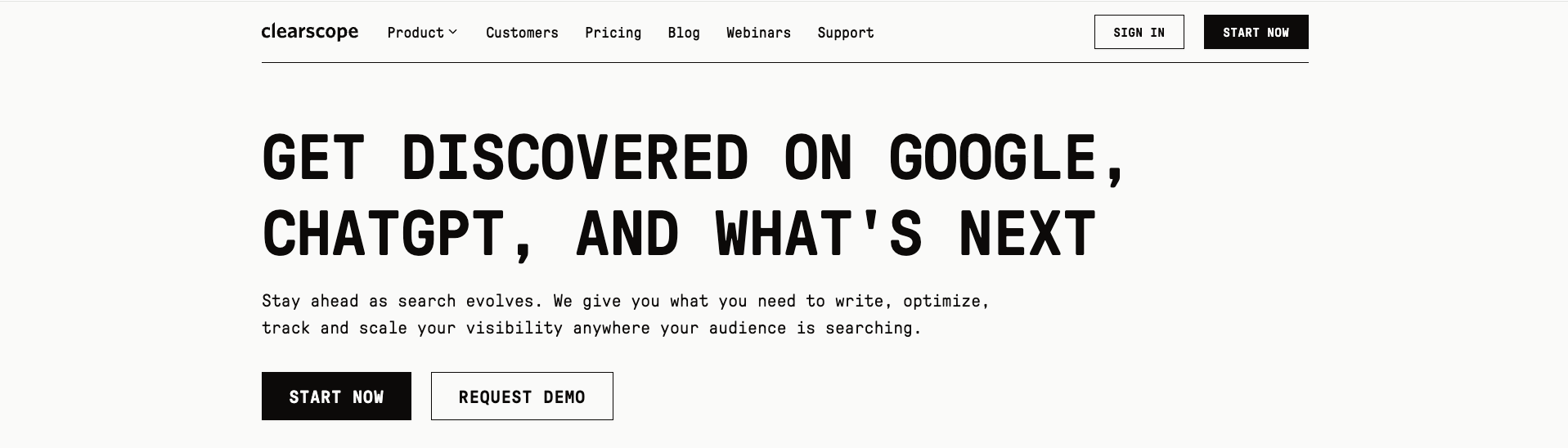
Clearscope is an on-page content optimization platform that grades drafts against top-ranking search competitors using natural language processing.
Best for
Clearscope is best for SEO managers and editors who already have a target keyword, content brief, and draft to optimize.
The A-F grading system gives writers a simple target during editorial review. The score turns term coverage into a shared editorial checkpoint.
The fit depends on how your editorial process is structured:
A draft already exists — the writer enters Clearscope after research and briefing.
An SEO lead owns strategy — topic selection and prioritization happen before the report.
Editors want a shared standard — term coverage and the content grade create a consistent review step.
Clearscope now frames that optimization work around visibility in Google and ChatGPT:
Where it fits in the B2B content workflow
Clearscope covers draft scoring and Content Inventory.
A Clearscope report turns top-ranking pages into recommended terms, a target length, and an A-F content grade.
In my testing, that score was easy for writers to follow. You can see which relevant terms are missing, revise the draft, and check the grade again before editorial review.
For technical B2B content, a higher grade can still leave important gaps:
Customer examples and a distinct point of view
Product detail and subject-matter fact-checking
Post-publication traffic and conversion evidence
Content Inventory helps editors track pages, while an editorial owner still decides which pages to refresh and executes the changes.
Main trade-off
Clearscope's main trade-off is that a content grade measures coverage, not expertise.
The content grade measures topic and term coverage against ranking pages. It cannot decide whether the article reflects your product expertise or a distinct point of view.
That distinction matters for technical B2B content. A writer can improve the grade while the draft still needs customer examples, product detail, and fact-checking from someone who knows the subject.
That narrower role can keep the editorial process clear. It can also increase tool and handoff overhead when one marketer owns the entire content lifecycle.
Pricing
Clearscope Essentials costs $199 per month and includes 20 content reports per month plus 100 Content Inventory pages. Business costs $399 per month, while Enterprise pricing is custom.
Exact report and inventory allowances depend on the plan. Compare those limits on the official Clearscope pricing page against the number of drafts and tracked pages in your workflow.
Plan | Starting Price | Included Limits | Seat Allocation |
|---|---|---|---|
Essentials | $129 - $199/month | 100 content reports / tracked pages | Unlimited users and projects |
Business | $399/month | Higher report and inventory page volume | Unlimited users and projects |
Enterprise | Custom quote | Custom report volume and dedicated support | Unlimited users and custom integrations |
13. Jasper
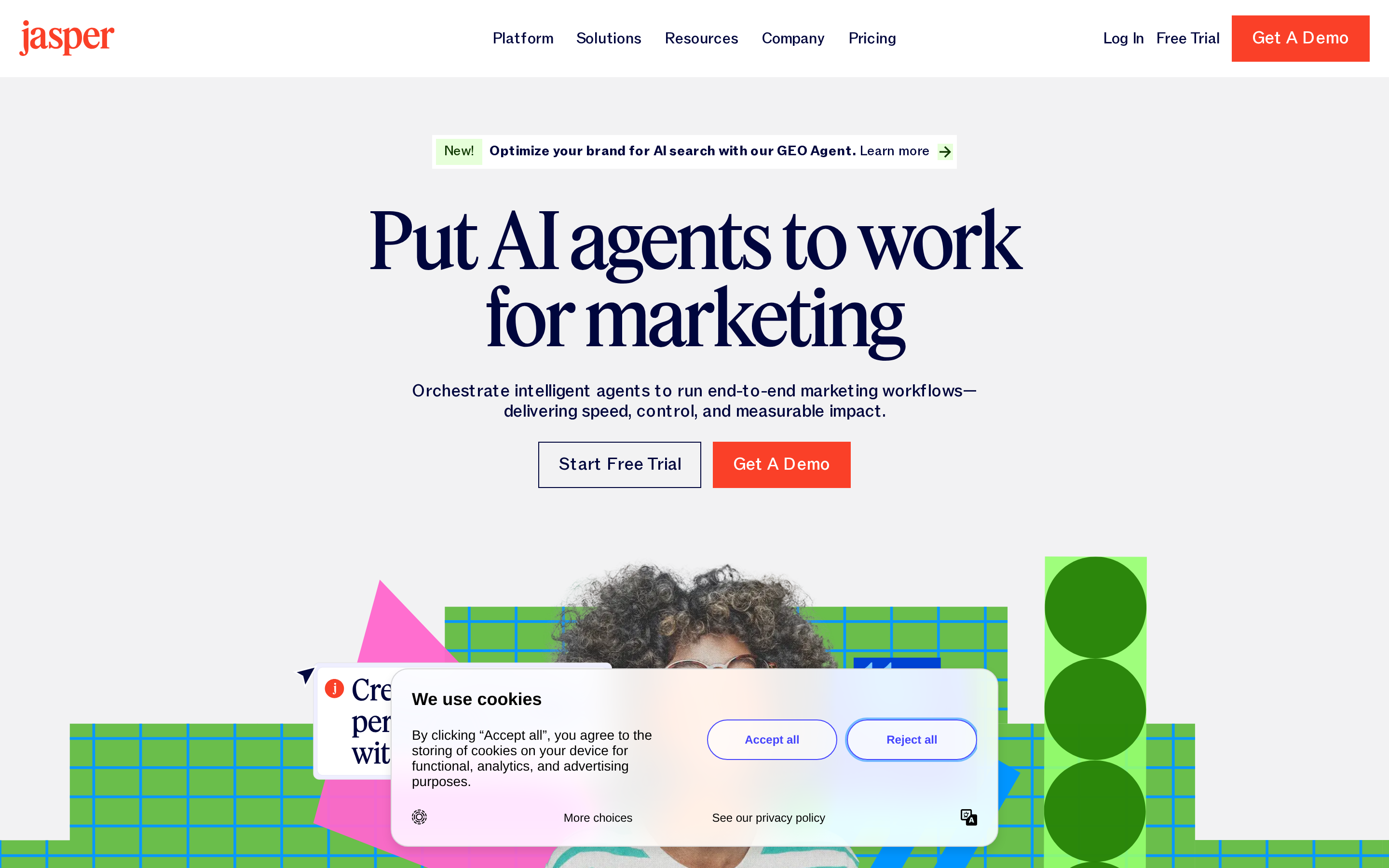
Jasper is an AI writing application that generates marketing copy, blog drafts, social posts, and email campaigns from user prompts.
Best for
Jasper is best for B2B marketers who need early drafts and short-form campaign copy across email, social, and advertising channels.
Jasper generates working copy quickly, giving an editor material to shape.
Long-form B2B work still needs product knowledge, source checking, and a human edit before publication.
Jasper can generate or rework several common marketing assets:
Social posts and campaign copy
Article outlines and draft sections
Ebook chapters and top-of-funnel posts
Short-form copy benefits most from the fast iteration. Longer assets expose gaps in subject depth and original detail sooner.
Where it fits in the B2B content workflow
Jasper fits the drafting and rewriting stage of the B2B content workflow.
You can expand an outline, rewrite a section in another tone, or turn one campaign idea into channel-specific copy.
Brand Voices, Knowledge assets, and Audiences give the model reusable context. On Pro, the documented limits are 2 Brand Voices, 5 Knowledge assets, and 3 Audiences.
Jasper still relies on separate tools and owners around the draft:
Keyword research and topic clustering happen upstream.
SERP analysis and content optimization need an SEO workflow.
Performance reporting and refresh prioritization happen after publication.
Jasper now supports SEO and GEO workflows alongside drafting, but performance reporting and refresh prioritization still happen after publication.
Main trade-off
Jasper's trade-off is the editorial work required to verify and shape generated long-form copy for B2B readers.
In my testing, long-form output needed source checks before publication, especially when the article depended on technical claims or product-specific detail.
Brand settings can steer tone and terminology. They do not verify a claim or supply expertise that was never added to the account's Knowledge assets.
Longer Jasper drafts needed a second pass for repetition and generic transitions. The editor still has to add customer evidence, proprietary examples, and the details that separate one B2B product from another.
That makes Jasper useful as a starting point rather than a finished long-form system. The time saved on drafting shifts partly into shaping and substantiating the article.
Pricing
Jasper Pro costs $69 per user per month, or $59 per user per month with annual billing. Business pricing is custom.
The Pro plan has no stated word or credit cap. Business adds API access, advanced Brand IQ capabilities, custom integrations, SSO, and SCIM.
Jasper's per-seat model means access costs rise with each teammate who needs an account.
The pricing decision comes down to seat count and whether your workflow needs Business-only controls.
When a starting point is not enough, alternatives to Jasper extend the comparison across research, governance, and updates.
B2B content tools compared: role, overlap, and pricing
B2B content marketing tools span specialized research, creation, and distribution platforms, from free utilities to paid subscriptions.
The 13 tools cover six roles, but the categories overlap around research, scoring, publishing, and reporting. A lean SaaS team should buy a clear owner for each job rather than the widest feature list.
Role | Evaluated tools | Primary job | Main overlap risk | Verified public price or buying check |
|---|---|---|---|---|
Content lifecycle | RankUp | Plan, create, update, and measure content | Repeats parts of research, writing, and reporting tools | 7-day free trial; tailored ongoing plan, with no public ongoing price |
CMS and publishing | Content Hub by HubSpot, Contentful | Manage content and publishing | Duplicate calendars, approvals, and publishing paths | Compare required seats, environments, and usage limits |
Research and optimization | Content Toolkit by Semrush, BuzzSumo, Clearscope | Find topics and improve briefs or drafts | Repeated research queues and content scoring | Clearscope starts at $129/month; confirm current vendor pricing for the others |
Creative production | Canva, Synthesia, Jasper | Produce visual, video, and written assets | Multiple generation tools covering the same asset | Compare seat charges and usage allowances |
Campaign distribution | Adobe Marketo Engage, EveryoneSocial, Litmus | Run campaigns, advocacy, and email quality checks | Duplicate calendars and channel reports | Price the required contacts, seats, and add-ons |
Web measurement | Google Analytics 4 | Measure site behavior and conversions | Extra dashboards restating the same web data | Standard GA4 is free |
Duplicate spend usually appears in four places:
Research - Assign one tool to own topic discovery so Semrush Content Toolkit, BuzzSumo, and Clearscope do not create competing queues.
Scoring - Compare Semrush Content Toolkit and Clearscope on the same draft before paying for both grading workflows.
Publishing - Make HubSpot Content Hub or Contentful the system of record, then require every production tool to feed that path.
Reporting - Keep GA4 as the web-behavior record and use Marketo, Litmus, or EveryoneSocial only for channel questions GA4 cannot answer.
The buying question is simple: which combination removes the most manual handoffs while preserving one reliable source for each decision?
How to build your B2B content stack without overbuying
Build a lean B2B content stack by tracing integrations, pricing the next realistic usage level, and testing whether the weekly operator can run it without help.
A lean SaaS stack needs one owner at each handoff. Use one real article as the test case, following it from research and approval through writing, CMS publication, and measurement while marking every manual transfer.
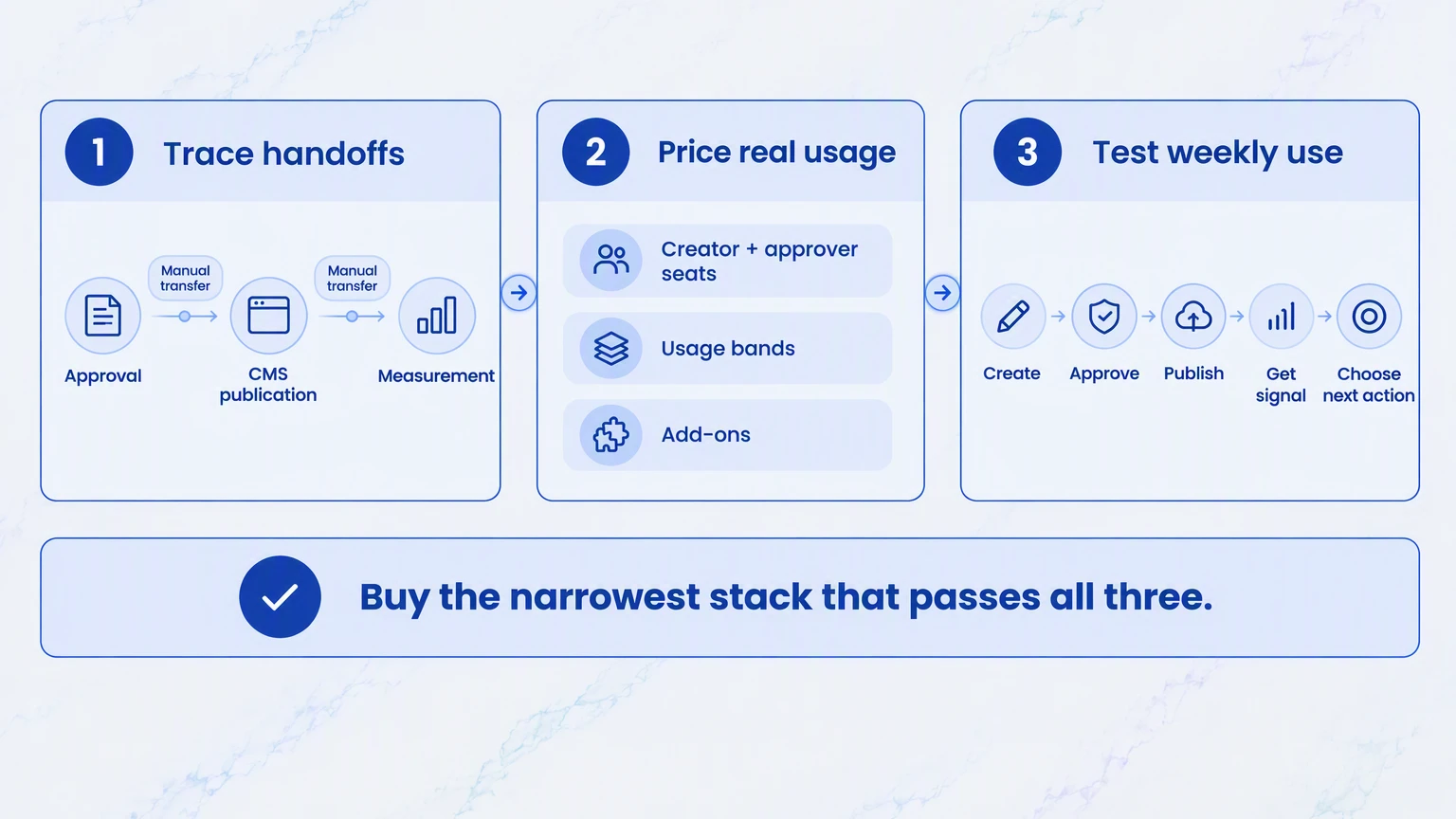
Trace integration depth. Follow one real article from an approved brief through CMS publication and GA4 measurement.
Record every manual transfer and duplicate field.
Check whether approval status travels with the asset.
Confirm the final version reaches the chosen CMS.
Make sure performance data returns to the operator's working view.
Price the next operating state. Model the people and usage the team can realistically add, rather than stopping at today's entry price.
Price the seats needed by creators and approvers.
Repeat the comparison at the next contact or usage band, including required add-ons.
Test weekly adoption. Give the stack to the marketer who will run it during a normal week.
Ask them to create, approve, and publish one item.
Have them retrieve a performance signal and choose the next action.
Remove any tool that duplicates another queue or depends on an executive sponsor to keep work moving.
Buy the narrowest stack that passes all three gates. Unused capability adds subscription cost and another handoff.
Build a leaner B2B content stack with RankUp
Most content stacks break at the handoffs between research, writing, publishing, and performance. RankUp gives you one accountable system for the SEO and GEO work, while your specialist channel tools keep doing their jobs.
A dedicated agent team takes the work from market demand to published content and ongoing improvement. You review the decisions that affect strategy and your site instead of project-managing every step.
RankUp brings the core SEO and GEO work into one connected system:
Map high-intent demand and coverage gaps into a prioritized content plan.
Turn an approved topic into a researched, brand-aligned article through live SERP analysis, blueprint creation, focused questions, drafting, and review.
Find stale or underperforming pages, frame the right update, and return proposed copy for your approval.
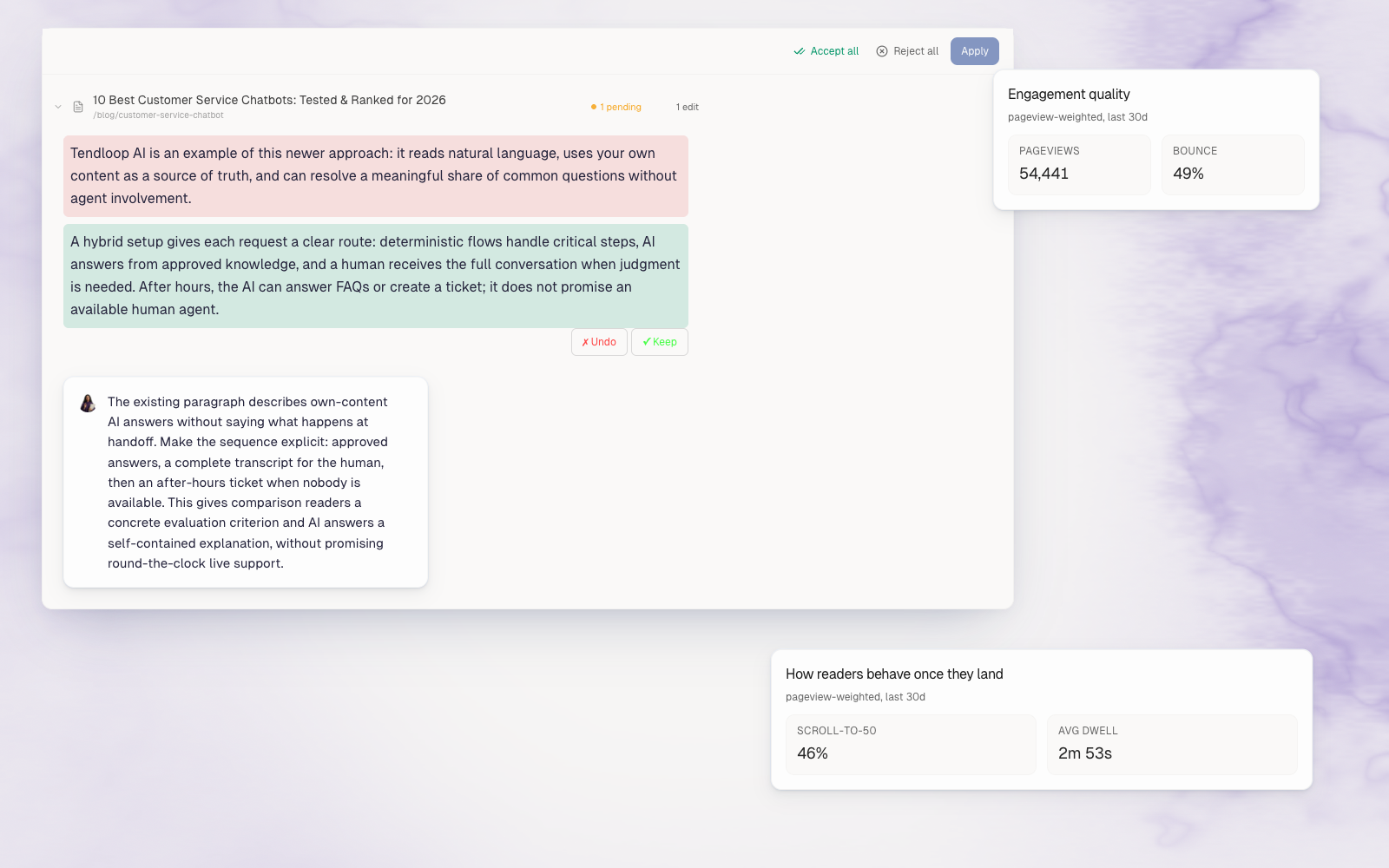
Connect Search Console performance to reports that explain what changed and what deserves attention next.
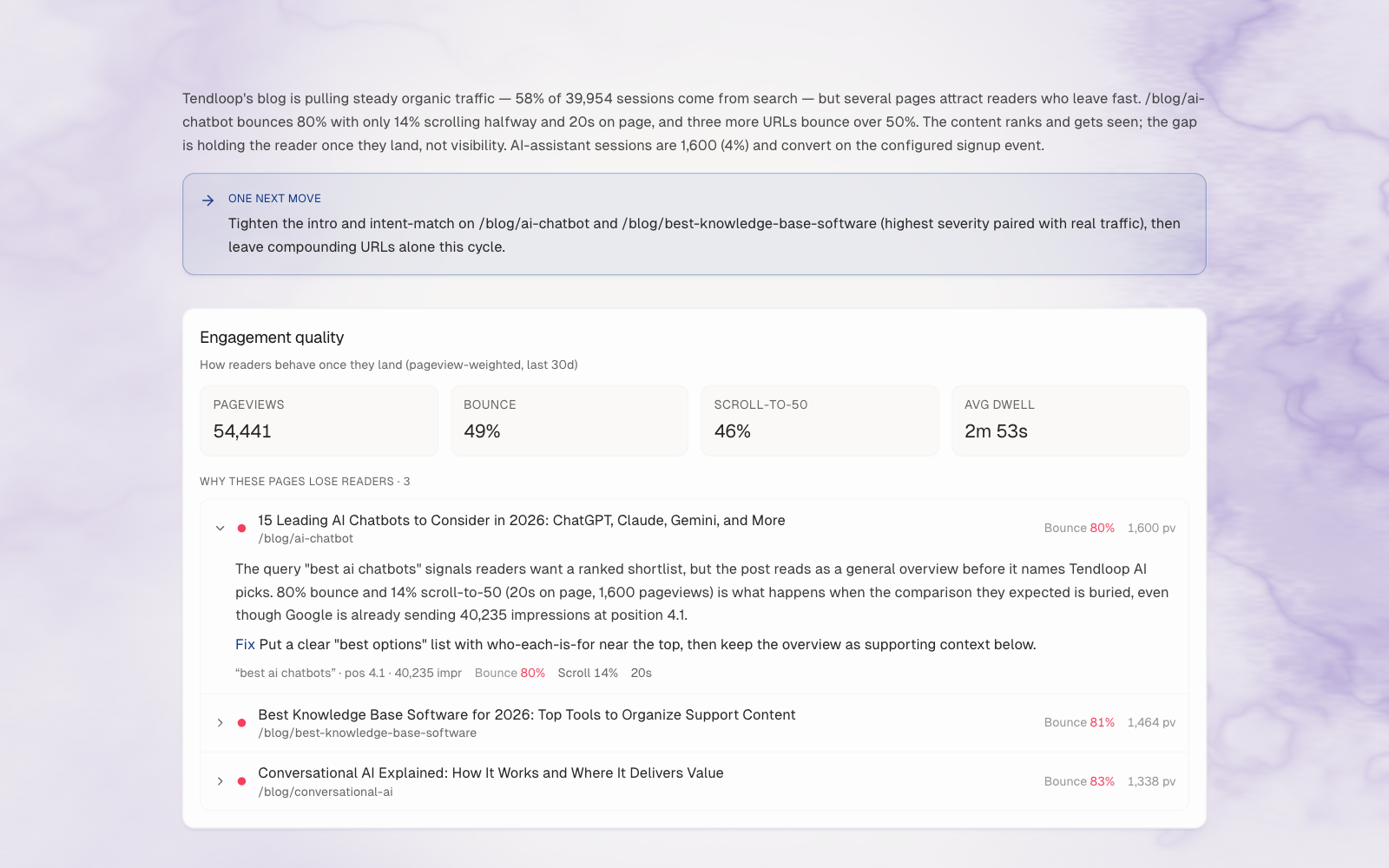
During the trial, you can put that plan into action through content creation and refreshes.
Start your 7-day free trial and put your tailored plan into action.
FAQs
How many B2B content marketing tools do I need?
Most lean SaaS teams need one clear owner for each essential job, not one subscription from every category in this list.
Start with strategy and production, publishing, and measurement. Add a specialist tool only when it removes a real bottleneck without creating another queue, duplicate report, or manual handoff.
Should I hire an agency instead of buying tools?
Choose between an agency and software based on internal expertise, execution capacity, management overhead, and how much direct control your team wants.
An agency can supply capacity but still needs direction and review. Software can preserve company context and control, but seats, implementation, and staff time affect the real cost; a hybrid model can cover gaps without outsourcing every decision.
How is B2B content different from B2C content?
B2B content is informational material designed for multi-stakeholder buying committees evaluating ROI, whereas B2C content targets individual consumer purchasing decisions.
Because a B2B buying group may include users, technical reviewers, and budget owners, the content must answer role-specific questions with product detail, proof, and implementation guidance.
Do I also need intent-based marketing tools?
Intent tools become more useful when you have defined target accounts, enough signal volume, and sales capacity to act on the information.
Validate third-party intent against first-party evidence such as website activity, CRM engagement, and sales conversations. If nobody can follow up or the signals cannot influence prioritization, strengthen measurement and content discovery first.
:quality(80))
Author of the article
Georg Richard Aare
Georg is the co-founder of RankUp and an SEO nerd who spends (almost) every waking minute refining his craft and sharing his learnings. When he’s not behind his computer, which is rare, you’ll find him in the gym doing bench (never legs) to clear his mind.
This article was created using: